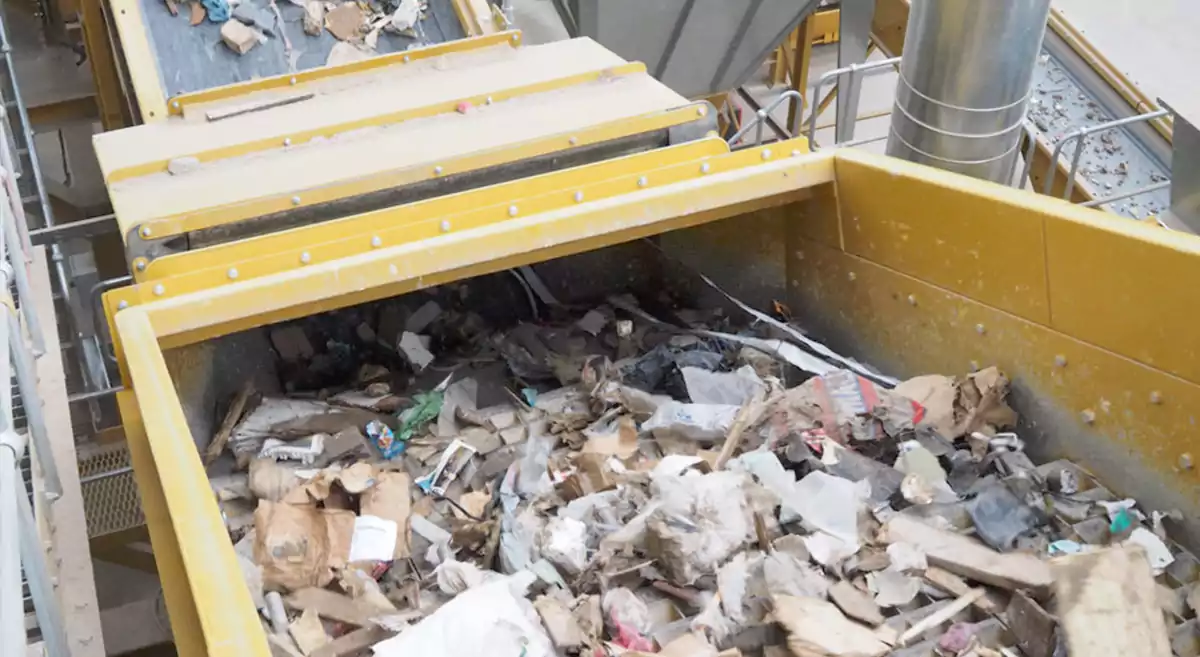
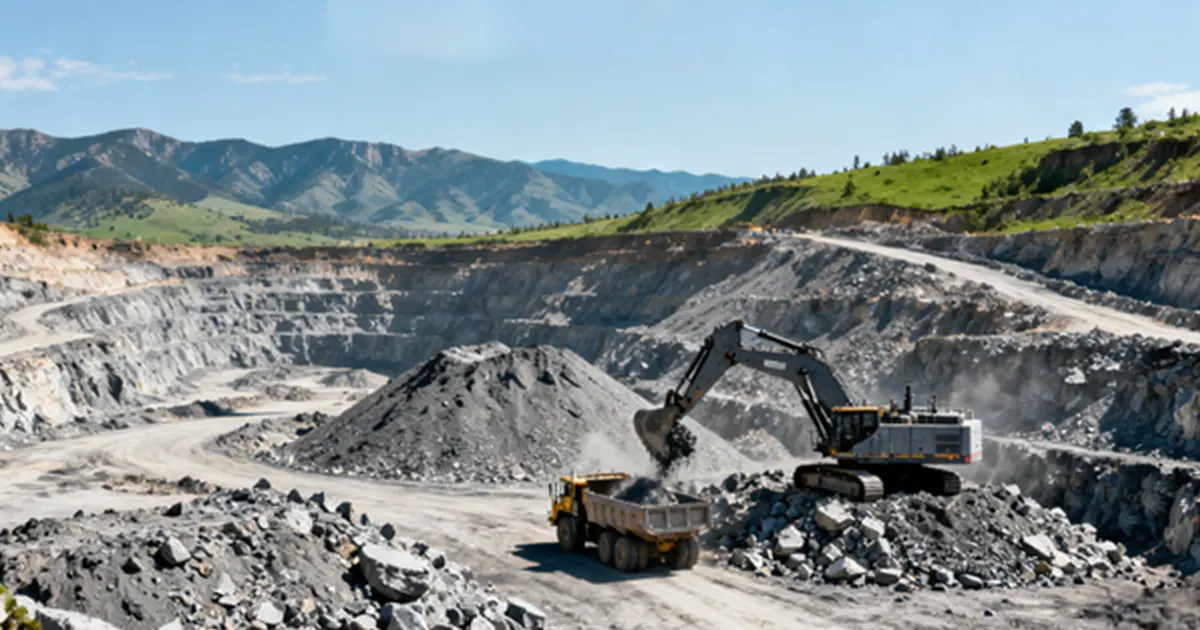
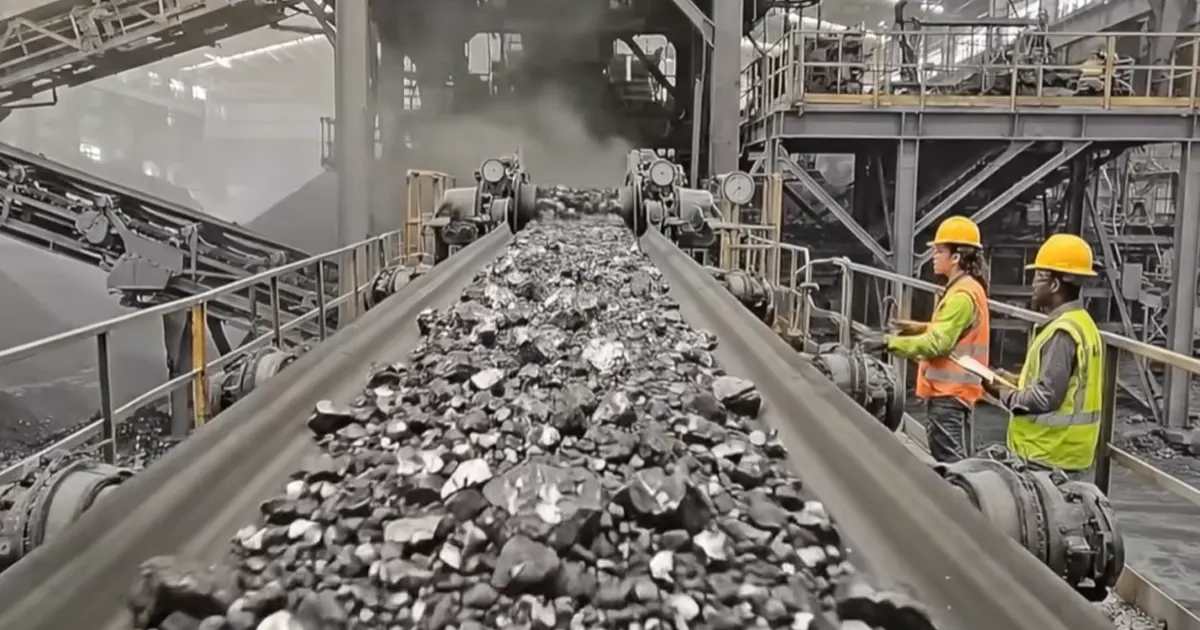
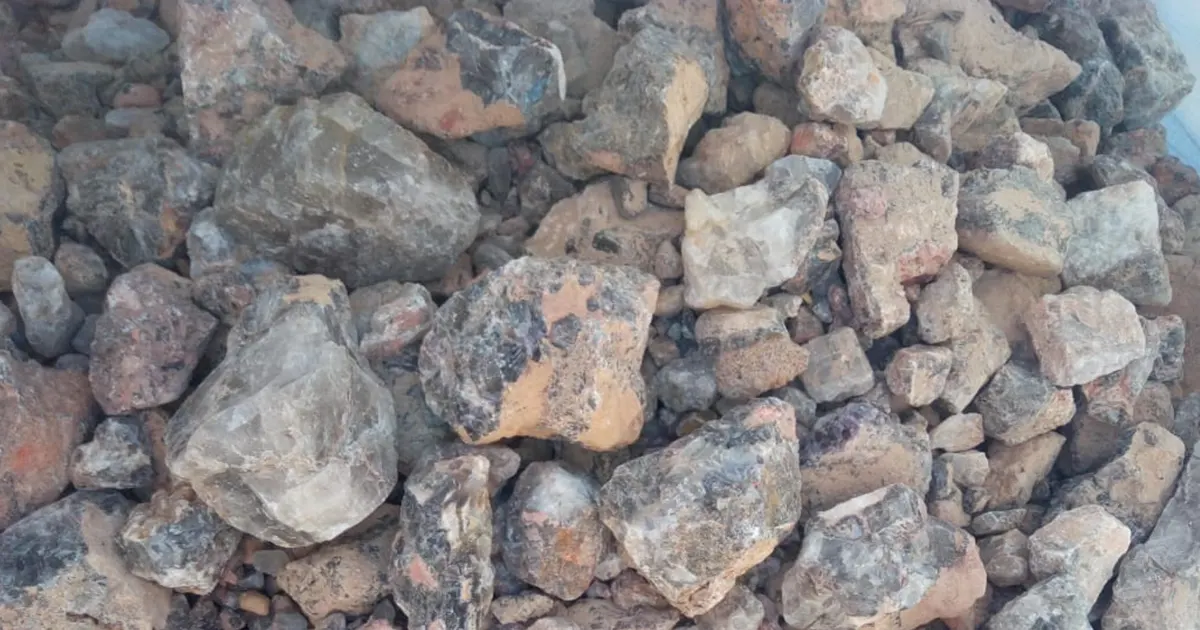
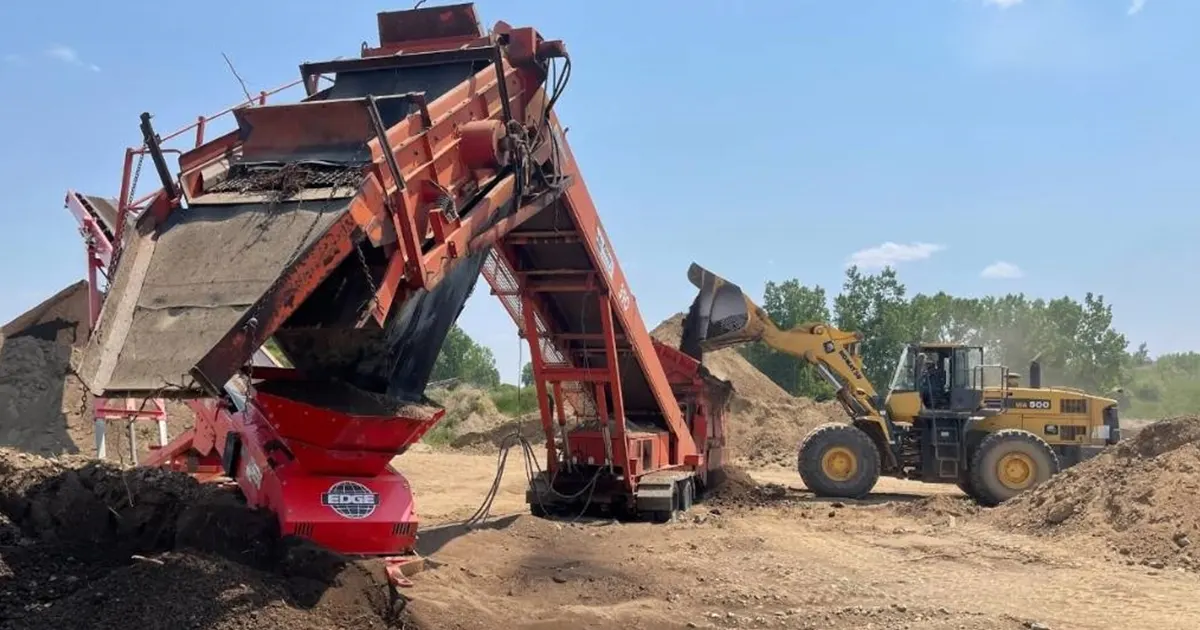
You may ask what makes your vibrating screen work well. The most important factors affecting screening efficiency are the material, the screen design, and how you use the equipment. To get better results, look at particle size, shape, density, and moisture. You should also think about screen deck size, mesh shape, vibration settings, and even feeding. Changing these factors affecting screening efficiency helps your screen work better. You will also get more even product quality.
Key Takeaways
- Know the size and shape of particles. Match them to your screen for better sorting.
- Control how much moisture is in the feed. Keep it dry to stop clumps and blockages.
- Change the feed rate slowly. Do not put in too much at once to keep good quality.
- Pick the best screen design. Use woven wire for dry stuff. Use polyurethane for wet or sticky stuff.
- Watch the vibration settings. Change how strong and fast it shakes for best flow.
- Take care of your equipment often. Clean the screens and look for damage to keep it working well.
- Think about the environment. Temperature and humidity can change how materials act.
- Teach operators well. Skilled workers can stop problems and make screening better.
Key Factors Affecting Screening Efficiency
Particle Size
Wide vs. Narrow Distribution
The size of the particles in your material can change how well your vibrating screen works. If you have many different particle sizes, small pieces go through the screen fast. But big pieces can block the holes. This makes the process slower and gives you worse results. When the particles are close in size, they move more evenly. This helps you separate them better.
The study looks at how particles hit and go through the screen using the discrete element method. It shows that how well particles go through the screen affects how well screening works. The study finds math links between how particles go through and vibration settings. The best amplitude and frequency for particles to go through are about 3.0 mm and 25 Hz.
When the holes in the screen get bigger, screening efficiency changes for each panel. If the sieve opening is more than 8 mm, the efficiency stops growing fast. This means it reaches a limit. The particle size spread stays steady. The panels work differently because the amount of big and small particles changes. This makes fewer small particles go through.
To get the best results, you should:
- Find the right particle size for your needs.
- Do the same particle size test each time.
- Pick media with the highest density and biggest bead to stop plugging and save time.
You can also change your equipment for better results:
- Change stroke length and amplitude to help separation and stop blocking.
- Keep stroke length between 7 and 20 mm for good screening.
- Make sure acceleration is 4.5 to 5.5 times G for best results.
Particle Shape
Irregular vs. Uniform Shapes
The shape of your particles is important too. Round particles go through the screen holes easily. Odd shapes, like flat or long pieces, can get stuck. They may need to turn before they fit. This slows down your process and can block the screen.
- Non-spherical particles, like long or flat ones, have a hard time going through the screen compared to round ones.
- Odd-shaped particles must turn the right way to pass through, which is not easy.
- Particles close to the mesh size can block the holes and make screening harder.
Studies show that odd shapes change how energy moves when they hit things. Non-spherical particles can spin or bounce in strange ways. This makes them harder to separate and can lower your results. If you want better screening, use more round particles or change your screen settings for tricky shapes.
Material Density
Light vs. Dense Materials
Material density is another important factor. Light materials move differently than heavy ones. Light particles may float or bounce on the screen. Heavy ones settle faster and go through more easily. You need to pick the right equipment for your material.
Material density changes how particles flow, settle, and separate during screening. You must think about the material’s specific gravity to handle and separate it well. Light materials need gentle handling. Heavy materials need stronger screens.
Gravity separators, also called fluidized-bed separators or density separators, do very careful separations based on density, size, or shape. By controlling two of these things, gravity separators can split up complex mixes into smooth groups. This is important for getting good separations by density.
If you want better results, always check your material’s density first. Pick the right screen and settings for your material. This helps you avoid problems and keeps your process working well.
Moisture and Mud Content
Wet vs. Dry Feed
Moisture in your material can change everything about how your vibrating screen works. If you feed wet material into the screen, you might see clumping, sticking, or even clogging. Dry feed moves more freely and separates faster. When you deal with wet feed, small particles can stick together and block the screen holes. This slows down your process and lowers your results.
You might wonder what really changes the moisture content in your material. Take a look at this table. It shows which factors play a big role:
| Factor | Contribution to Moisture Content | Correlation Type |
|---|---|---|
| Airflow Rate | High | Negative |
| Particle Ratio | High | Positive |
| Screen Mesh | High | Positive |
| Vacuum Level | Low | N/A |
| Particle Layer Thickness | Low | N/A |
| Residence Time | Low | N/A |
If you want better screening, you need to control these factors. For example, a higher airflow rate can help dry out your material, while a higher particle ratio or tighter screen mesh can trap more moisture. Try to keep your feed as dry as possible for the best results.
Mud Content Impact
Mud is one of the most stubborn factors affecting screening efficiency. Even a small amount of mud can coat your screen and block the holes. This makes it hard for good material to pass through. Mud can also make your product less clean and lower its value.
You can take action to fight high mud content. Here are some practical steps:
- Change your screen design to handle more mud without clogging.
- Adjust your pump flow so you do not overload the screen.
- Use dynamic flow control to match changes in your material.
If you keep an eye on mud content and make these changes, you will see better efficiency and less downtime. Mud can be tough, but you can manage it with the right approach. Remember, when you control moisture and mud, you get more out of your screening process and keep your operation running smoothly.
Screening Feed and Flow
Feed Rate
Overloading and Underloading
Feed rate is very important for screening efficiency. If you put too much material on the vibrating screen, you may get more work done at first. But this can cause problems. When the feed rate is too high, the screen gets overloaded. Wet material makes it even worse. The holes in the screen can get blocked. Your product quality goes down. If you put too little material, you waste energy. You also do not use the screen’s full power.
You need to find the right amount to feed. The size of the sieve holes matters too. Bigger holes let more material pass, but you might lose some efficiency. Always watch how much material you feed. Change it if needed. If you see clumps or slow movement, lower the feed rate. If the screen looks empty, you can add more material.
Tip: Look at your screen often. If you see uneven piles or blocked holes, change the feed rate or adjust the vibration settings.
Feed Uniformity
Consistent Material Flow
Uniform feeding helps your screening process work well. If you feed material unevenly, some parts of the screen work harder. This causes uneven results and lower output. You want the material to spread out evenly on the whole screen deck.
Check out this table. It shows how feed uniformity affects performance:
| Metric | Coefficient of Variation (CV) | Performance Outcome |
|---|---|---|
| Body Condition | ≤ 8% | Better overall health |
| Egg Size | ≤ 8% | Consistent egg production |
| Chick Quality | ≤ 8% | Higher quality chicks |
| Performance | > 8% | Uneven performance and reduced efficiency |
If you keep the coefficient of variation low, you get more even results. This means better product quality and less waste.
Try these steps to improve uniform material flow:
- Make sure your feed material matches the screen.
- Adjust moisture and particle size to stop clumping.
- Use flocculants or dispersants for slurry.
- Check the screen deck for wear or blockages.
- Clean the screen surface often.
- Watch the tension and alignment of the screen media.
- Change vibration settings for your material.
- Control the feed rate to stop overloading.
- Spread the feed evenly on the screen deck.
- Make water flow and spray patterns better.
Note: A good feed box helps you spread material evenly. It uses the whole screening area and makes efficiency better. Pick the right liner material for your needs.
Uniform feeding is important for all vibrating screens. If you keep your feed steady and balanced, you get better results and higher output. You also avoid problems like uneven wear and blocked holes. Small changes in how you feed your screen can make a big difference in your operation.
Screen Design Parameters
If you want your screening equipment to work well, you must think about how it is designed. Good design helps your equipment last longer. It also makes your job easier. Let’s look at the main things you should think about.
Aperture Size
Matching to Material
Aperture size means the holes in your screen. Picking the wrong size can make your equipment work worse. Here are some things to know:
- How fast particles go through the screen depends on how many of that size are there.
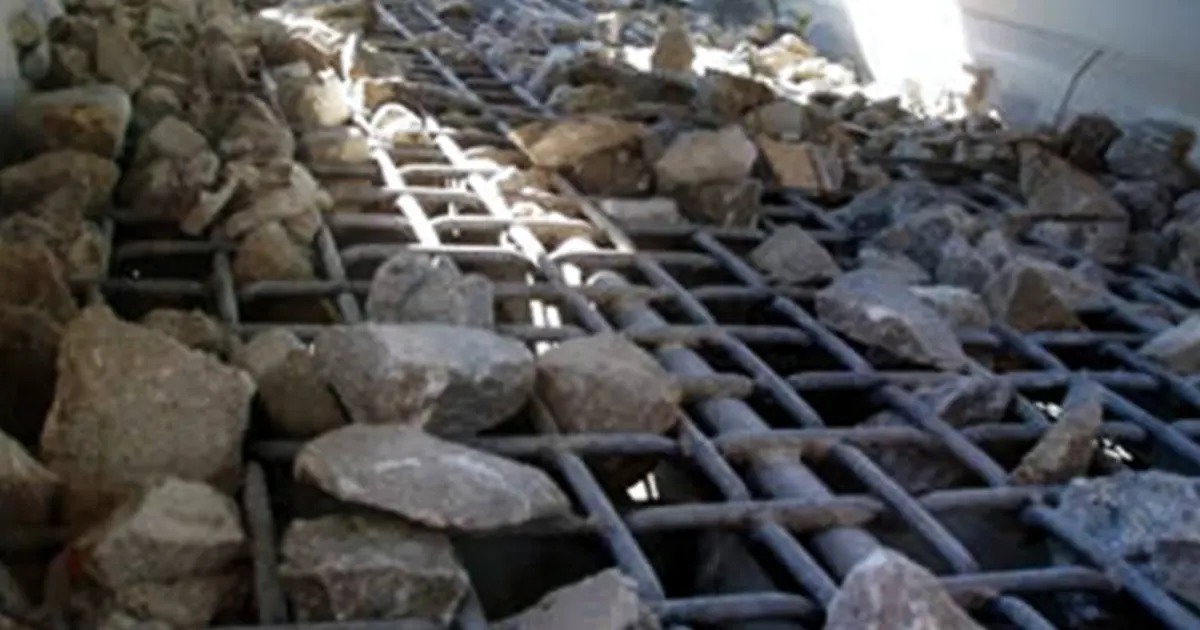
- If your material has lots of pieces just bigger than the holes, the screen can get blocked and slow down.
- The shape and material of the holes can change how well your equipment works.
- How many times particles bounce on the screen also matters.
To pick the right aperture size, start with a sieve analysis. This test tells you the sizes of your particles. Choose a mesh size that fits your needs. Smaller holes give you more accuracy. Bigger holes let more material through. Think about the mesh material too. Polyurethane or rubber is good for sticky stuff. High-tensile steel is better for rough materials.
Tip: Try to balance speed and accuracy. Use finer mesh for more accuracy. Use bigger openings for faster work.
Deck Configuration
Single vs. Multiple Decks
How you set up your screen decks changes how your equipment works. You can use one deck or stack more decks together.
- Multi-deck screens can handle more material and sort it into more sizes at once.
- Different deck setups, like linear or circular screens, change how well you separate materials.
- Tests show that adding more layers can make separation better by up to 30%. This means you get better results and save money.
If you need to sort your material into many sizes, use a multi-deck setup. For simple jobs, one deck may be enough. Always think about what you want before you pick your deck setup.
Vibration Settings
Amplitude and Frequency
Vibration settings help your equipment work its best. You can change amplitude (how far the screen moves) and frequency (how fast it moves).
| Vibration Frequency (Hz) | Screening Efficiency Effect |
|---|---|
| 25 | Lots of blockage, low efficiency |
| 50 | Less plugging, higher efficiency |
To get good results, do these steps:
- Look at your material’s size, density, and moisture.
- Change frequency and amplitude to fit your material.
- Set the right angle for your screen to help material move.
- Pick the right screen holes and material for your job.
- Check your equipment often and keep it clean.
Higher frequencies are better for small particles. Lower frequencies are better for big pieces. Changing amplitude can help more material go through and make your equipment work better.
Note: The right vibration settings help your equipment last longer and work better. Test and change your setup if you need to.
If you pay attention to these design choices, your equipment will work better, last longer, and be easier to take care of.
Operating Conditions in Screening
Inclination Angle
Material Flow Effects
You might not think much about the angle of your vibrating screen, but it can change everything. The inclination angle decides how your material moves across the screen. If you set a low angle, like 10 to 15 degrees, your material will move slowly. This works well for stuff that flows easily. You get a gentle movement, and the particles have more time to separate.
Now, if you deal with sticky or tough materials, you should try a higher angle. When you set the screen at 20 to 25 degrees, the material moves faster. This helps break up clumps and makes it easier to separate the pieces. You also get better stratification, which means the layers of material sort themselves out. This boosts your separation and makes your process more efficient.
Tip: Try different angles for different materials. Watch how the material moves. If you see slow movement or clumping, raise the angle a bit. If the material rushes off too fast, lower the angle.
A good angle helps you get the most out of your equipment. It also keeps your screen from wearing out too quickly. You want to find the sweet spot where your material flows just right.
Retention Time
Throughput vs. Efficiency
Retention time means how long your material stays on the screen. This is a big deal for your results. If you keep the material on the screen for a longer time, you give it more chances to separate. You get better accuracy and cleaner products. But if you want to process a lot of material fast, you might shorten the retention time. This means more throughput, but you could lose some quality.
Here’s a simple table to help you see the trade-off:
| Retention Time | Throughput | Product Quality |
|---|---|---|
| Short | High | Lower |
| Long | Lower | Higher |
You need to balance these two things. If you want top efficiency, let the material stay on the screen a bit longer. If you need speed, you can move it along faster, but watch for drops in quality.
Note: Check your results often. If you see too much waste or poor separation, try slowing things down. Small changes in retention time can make a big difference.
When you set the right angle and retention time, you help your screen last longer. You also keep your operation running smoothly. These small tweaks can boost your durability and give you better results every day.
Screening Equipment and Maintenance
Choosing the right screening equipment makes a big difference in how well your operation runs. You want your screens to last a long time and give you the best results. Let’s look at what you need to know.
Equipment Type
Woven Wire vs. Polyurethane
You have a few choices when it comes to screen panels. Woven wire and polyurethane are the most common. Each type works best for certain jobs.
- Woven wire screens give you sharp cuts and high open area. They work well for dry, clean materials. You can spot wear and tear easily, so you know when to replace them.
- Polyurethane screens last longer and handle tough, abrasive materials. They resist blinding and clogging, which helps when you deal with sticky or wet feed. You may not see damage as quickly, but they offer great durability.
Here’s a quick comparison to help you decide:
| Screen Type | Best For | Pros | Cons |
|---|---|---|---|
| Woven Wire | Dry, clean, sharp cuts | High accuracy, easy checks | Shorter life, can wear fast |
| Polyurethane | Wet, sticky, abrasive feed | Long life, less clogging | Harder to spot damage |
You should match your screen type to your material and your goals. If you want sharp separation and easy checks, go with woven wire. If you need longer life and less cleaning, try polyurethane.
Cleaning and Wear
Maintenance Practices
Keeping your screening equipment in top shape takes regular work. If you skip maintenance, you risk breakdowns and poor results. Here’s what you should do:
- Inspect screen panels for tears or holes every day.
- Remove any material buildup to stop clogging.
- Lubricate bearings and motors on a regular schedule.
- Tighten bolts and fasteners every week.
- Check for leaks in hydraulic systems.
- Do a full structural inspection once a month.
Tip: Listen for strange noises or feel for extra vibration. These signs can warn you about problems before they get worse.
If you follow a good maintenance plan, you help your screens last longer and work better. Regular cleaning and checks keep your screening equipment running smoothly. You also save money by avoiding big repairs.
A good maintenance routine means you catch small issues early. You keep your screening process steady and your product quality high. When you take care of your equipment, you get the most out of every run.
Environmental and External Factors
Temperature and Humidity
Effects on Screening
You might not think about temperature and humidity when you run your vibrating screen, but these two can change everything. When the temperature goes up and down, materials can expand or shrink. This can make parts of your equipment move in ways you do not expect. Sometimes, electronics inside your screen can fail because of these changes. Solder joints might crack, or components can drift out of place. Humidity brings its own problems. Moisture can sneak into your equipment and cause corrosion. If water gets into the electronics, you might see shorts or even total failure.
Note: When temperature and humidity work together, they can speed up wear and tear. You may notice your screen does not last as long. That is why many manufacturers use environmental testing. They put their products through tough conditions to make sure they can handle real-world use. This kind of testing helps you get better durability from your equipment.
Operator Skill
Training and Best Practices
You play a big role in how well your screening process works. Even the best equipment needs a skilled operator. If you know how to set up the screen, adjust the feed, and spot problems early, you can keep things running smoothly. Training helps you learn the best ways to load material, check for blockages, and change settings for different jobs.
Here are some best practices you can follow:
- Always check the screen before you start.
- Watch for signs of wear or damage.
- Adjust settings based on the material you use.
- Clean the equipment after each shift.
- Keep a log of any issues or changes.
A well-trained operator can spot trouble before it gets worse. You save time and money by fixing small problems early.
Dust and Contaminants
Impact on Equipment
Dust and other contaminants can sneak into your screening equipment and cause big problems. Dust can block moving parts, clog screens, and even get into motors or electronics. Over time, this buildup can slow down your process and damage your equipment.
You can fight dust and contaminants by:
- Using covers or enclosures around your screen.
- Cleaning the area often.
- Checking seals and gaskets for leaks.
- Using air filters or dust collectors.
Tip: A clean work area helps your equipment last longer and keeps your product quality high.
When you pay attention to these outside factors, you help your screening process run better and your equipment last longer.
Optimization Strategies for Screening
You want your screening process to run smoothly and give you the best results. Sometimes, small changes can make a big difference. Let’s look at two smart ways to boost your screening performance: process monitoring and custom solutions.
Process Monitoring
Sensors and Data
You can’t fix what you don’t measure. That’s why using sensors and data tracking helps you spot problems early. Sensors watch things like vibration, feed rate, and screen movement. They send real-time data to your control system. You see what’s happening right away.
Here’s how you can use sensors to improve your screening equipment:
- Place vibration sensors on the screen frame. They tell you if the screen moves as it should.
- Use load sensors to check if you feed too much or too little material.
- Track moisture and temperature with special probes.
- Set up alarms for blockages or overloads.
Tip: Review your data every day. Look for changes in patterns. If you see something odd, check your equipment before it causes trouble.
When you use sensors, you catch issues before they get big. You also learn what settings work best for your material. Over time, you save money and keep your operation running strong.
Custom Solutions
Manufacturer Collaboration
Sometimes, off-the-shelf equipment just doesn’t fit your needs. That’s when you should work with a manufacturer to design custom solutions. You get equipment built for your exact material and process.
Here’s what you gain when you team up with a manufacturer:
- Tailored equipment cuts down on waste and lowers your costs. You get a better return on your investment.
- Custom designs match your rock or material type. This means smoother screening across different jobs.
- You can add features like dust control or noise reduction. These help you meet environmental rules and keep your site safe.
- Advanced safety features protect your team from hazards.
- You tap into the manufacturer’s experience. Their experts help you solve tough problems and get the best results.
Note: Don’t be afraid to ask for help. Manufacturers want your screening process to succeed. They can suggest upgrades or new designs that fit your goals.
When you use process monitoring and work with experts, you take control of your screening performance. You spot problems early, save money, and get equipment that works just right for you.
Conclusion
You have many factors to watch if you want top screening efficiency. Think about particle size, shape, density, moisture, feed rate, screen design, and even the environment. Take a full approach. Check and adjust your process often for the best results.
As a woven wire screens manufacturer, we help you find custom solutions. Need expert advice or a tailored product? Reach out today!
FAQ
What is the most important factor for screening efficiency?
You should focus on particle size first. If your particles match the screen openings, you get better results. Always check your material before you start.
How does moisture affect vibrating screens?
Moisture can cause clumping and blockages. Wet material sticks to the screen and slows everything down. Try to keep your feed as dry as possible for smoother screening.
Can I use the same screen for all materials?
No, you should not. Different materials need different screen types. For example, sticky or wet materials work better with polyurethane screens. Dry, clean materials fit woven wire screens best.
How often should I clean my vibrating screen?
You should clean your screen after every shift. Regular cleaning stops buildup and keeps your equipment running well. If you see clogs or slow movement, clean it right away.
What happens if I overload the screen?
Overloading leads to poor separation and blocked holes. Your product quality drops. You might even damage your equipment. Always watch your feed rate and adjust as needed.
Do vibration settings really matter?
Yes! The right amplitude and frequency help your material move and separate. If you set them wrong, you get blockages or poor results. Test different settings to find what works best for your material.