You want to know how to install self-cleaning screens on your vibrating screen deck. These self-cleaning mesh panels help you fight blinding and pegging, so your operation keeps running smoothly. When you set up your self-cleaning filter the right way, you get longer wear and better performance. Pay attention to tension, deck contact, and hook orientation during installation. If you follow each step carefully, you protect your screen and keep downtime low.
Tip: Always double-check your screen size and hook style before you start. This saves you time and trouble!
Key Takeaways
- Always check your screen size and hook style before you start. This helps you avoid problems later.
- Get all the tools and materials you need before you begin. This makes the installation easy and safe.
- Follow lockout and tagout steps to stay safe when working on vibrating screens.
- Clean and look at seating surfaces before you install. This stops leaks and uneven wear.
- Make sure hooks are facing the right way and are tight. This helps self-cleaning screens work well.
- Check the tension one last time after you finish installing. This makes sure the mesh is flat and tight.
- Look at and take care of your self-cleaning screens often. This helps you find problems early and makes them last longer.
- Wear personal protective equipment to keep yourself safe from injuries while installing.
Tools, Materials & PPE
Before you start installing self-cleaning screens mesh on your vibrating screen, you need the right tools and safety gear. Having everything ready makes your job smoother and safer.
Tools Needed
You do not need fancy tools for this job, but you do need the right ones. Here’s what you should have on hand:
- Wrenches or socket set (for clamp bars and fasteners)
- Pry bar or flat bar (to help remove old screens)
- Tape measure (to check panel size and deck layout)
- Rubber mallet (for gentle adjustments)
- Wire brush (for cleaning seating surfaces)
- Flashlight or headlamp (to see inside the screen box)
- Marker or chalk (for marking positions)
Tip: Keep your tools organized in a small toolbox or bucket. This helps you avoid searching for them during installation.
Materials Checklist
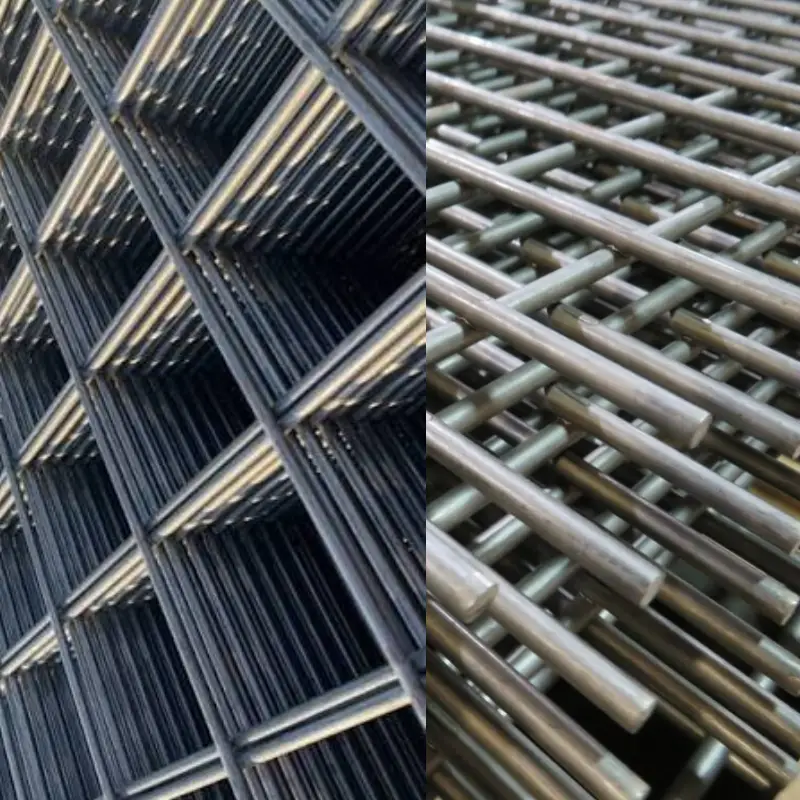
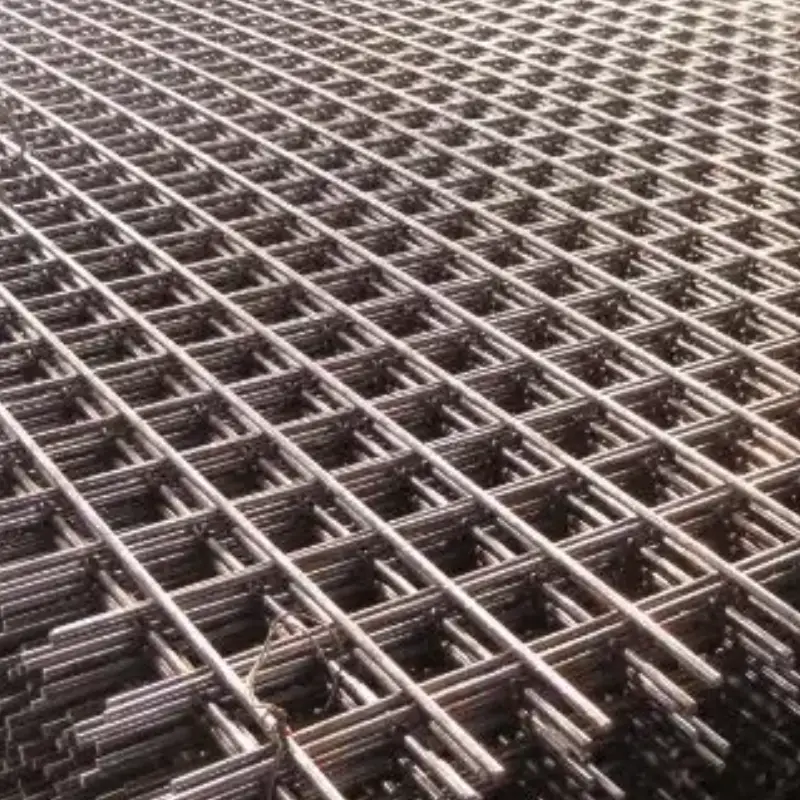
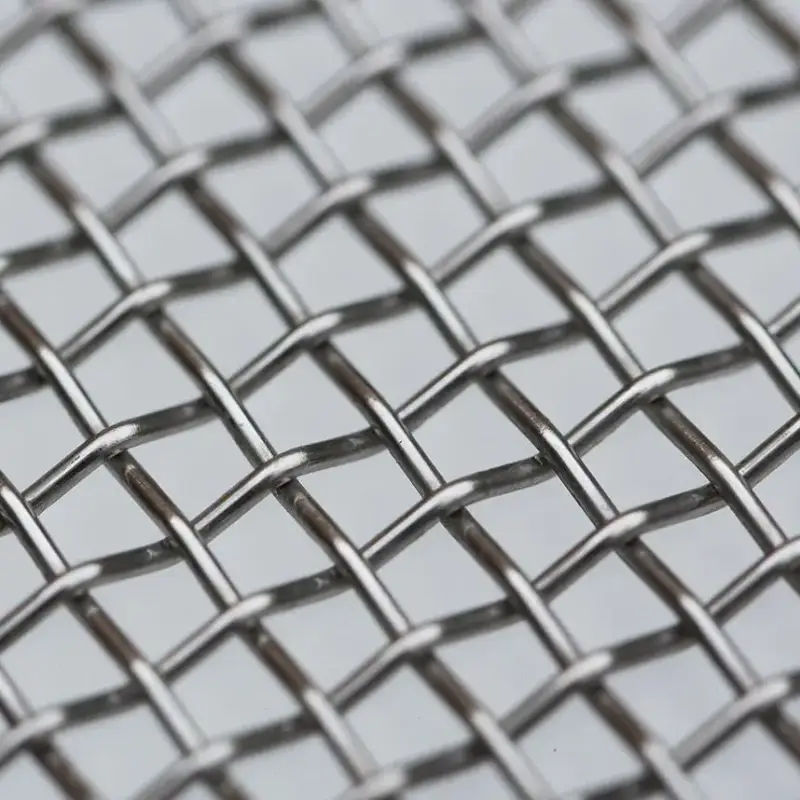
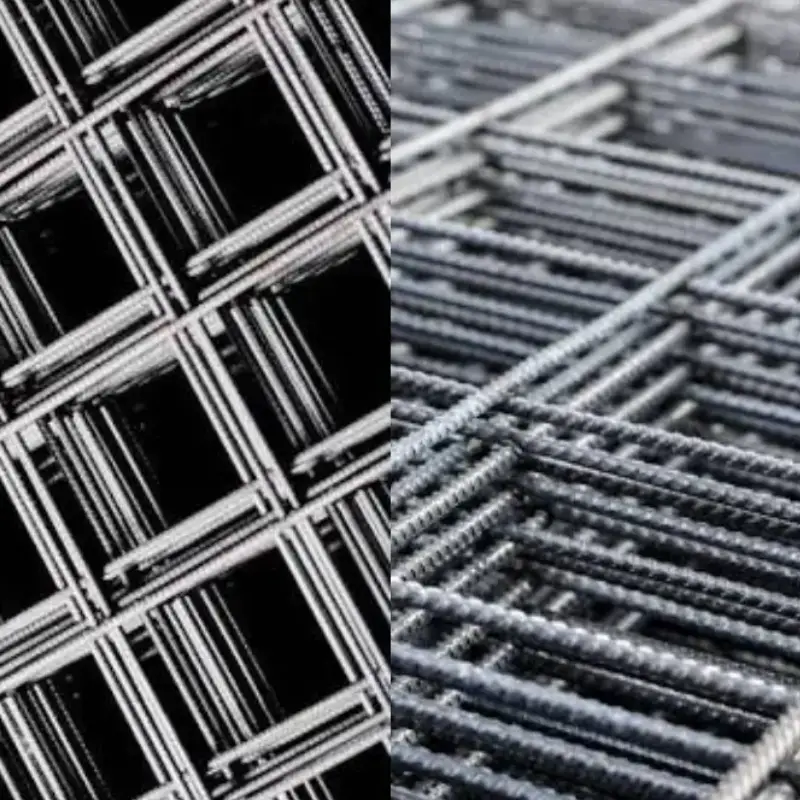
You want to make sure you have all the right materials before you begin. Self-cleaning screens mesh comes in different wire types and frame options. Check your order and compare with your deck specs.
- High carbon steel wire mesh panels
- Spring steel wire mesh panels
- Stainless steel wire mesh panels
- Polyurethane frame (if your deck uses this style)
- Panels with pre-drilled mounting holes (for easy fitment)
- Clamp bars and fasteners (if replacements are needed)
- Side sealing rubber or strips
- Cleaning cloths or rags
Always match the mesh type and frame to your material and deck design. This helps you get the best anti-blinding and anti-pegging performance.
PPE for Installation
Safety comes first. Installing self-cleaning screens means you will handle heavy panels and work around sharp wire edges. Protect yourself with the right personal protective equipment:
- Gloves (to protect your hands from cuts and pinches)
- Goggles (to shield your eyes from dust and flying debris)
- Respirator (if you expect dust or fine particles)
- Steel-toe boots (for foot protection)
- Hard hat (if required by your site)
- Hearing protection (if working near running equipment)
Note: Never skip PPE. Even a quick job can lead to injury if you are not careful.
Now that you have your tools, materials, and PPE ready, you can move on to preparing your work area and making sure everything is safe for installation.
Safety & Preparation
Before you start installing self-cleaning screens mesh, you need to make sure your work area is safe. Good preparation helps you avoid injuries and keeps your equipment in top shape. Let’s break down what you need to do.
Lockout/Tagout Steps
You must always lock out and tag out your vibrating screen before you begin. This step keeps you safe from moving parts and electrical hazards.
- Turn off the main power to the screen deck.
- Use your site’s lockout device to secure the power switch.
- Attach a tag with your name and the date. This tells others you are working on the machine.
- Test the controls to make sure the screen will not start.
- Keep the key to the lock with you until you finish the job.
Safety Tip: Never trust that a machine is off just because it looks quiet. Always follow your lockout/tagout procedure.
Lifting & Handling
Self-cleaning screens mesh panels can be heavy and awkward. You want to move them safely to avoid back injuries or dropping them.
- Ask a coworker for help if the panel feels too heavy.
- Use lifting straps or a hoist for large or wide panels.
- Keep your back straight and bend your knees when lifting.
- Hold the panel close to your body as you move it.
- Set the panel down gently to avoid bending the mesh or damaging the hooks.
Note: Always wear gloves when handling mesh. The wires and hooks can be sharp.
Work Area Setup
A clean and organized work area makes your job easier and safer. Take a few minutes to set up before you start.
- Sweep or blow out dust and debris from around the screen deck.
- Lay out your tools and materials where you can reach them.
- Make sure you have enough light to see all parts of the deck.
- Check that your PPE is on and fits well.
- Keep walkways clear so you do not trip or drop anything.
If you work in a team, talk through the steps before you begin. Everyone should know their role and the safety rules.
Pro Tip: A tidy workspace helps you spot problems like worn rails or missing fasteners before they slow you down.
Now you are ready to move on to the pre-install checks. Careful preparation sets you up for a smooth and safe installation.
Pre-Install Checks for Self-Cleaning Screen Filters
Confirm Panel Size & Deck Layout
Before you install self-cleaning screen filters, you need to make sure your panels fit your vibrating screen deck. This step saves you from headaches later. Grab your tape measure and check the length and width of each panel. Compare these numbers to your deck specs. If you skip this, you might end up with loose panels or gaps that let material slip through.
Here’s why you want to double-check panel size and deck layout:
- Panels that fit right stay tight and do not move during operation.
- Good measurements help you avoid damage to your equipment.
- Knowing your deck type and support system helps you install the self-cleaning screen filter the right way.
Take a look at your deck drawing or layout. Make sure you know where each panel goes. Some decks use different panel sizes in different spots. Mark the panels if you need to. This makes installation faster and helps you avoid mix-ups.
Check Hook Strip & Orientation
Now, look at the hook strips on your self-cleaning screen filters. The hook strip is the edge that grabs onto the rails of your screen deck. You want to check that the hook style matches your deck. Some decks use round hooks, while others use flat or special shapes.
Hold the self-cleaning screen filter up to the deck. Make sure the hooks face the right way. Some decks need both hooks up, both down, or one up and one down. If you get this wrong, the panel will not seat right. You might see poor tension or even early wear.
If you are not sure about the hook orientation, check your deck manual or ask your supplier. It is better to ask now than to fix a problem later.
Inspect Deck Rails & Crown Bar
Next, take a close look at your deck rails and crown bar. These parts support your self-cleaning screen filters and keep them in place. Use a flashlight to check for wear, dents, or buildup. If you see sharp edges or grooves, clean them with a wire brush. Worn rails can cause uneven tension and shorten the life of your screen.
Check the crown bar for buildup or stuck material. Clean it off so your self-cleaning screen filters sit flat. If you see missing or damaged side seals, replace them before you install new panels. Good contact between the panel and the deck keeps material from leaking out the sides.
Tip: A clean, smooth surface helps your self-cleaning screen filters last longer and work better.
Clean Seating & Side Sealing
You want your self-cleaning screen filters to last as long as possible and work at their best. That starts with clean seating surfaces and good side sealing. If you skip this step, you might see leaks, uneven wear, or even early screen failure.
Start by looking at the rails and crown bars where your self-cleaning screen filters will sit. Use a wire brush or a clean rag to remove any dust, old material, or sticky buildup. Even a thin layer of dirt can stop the screen from sitting flat. If the screen does not sit flat, you might get poor tension or gaps that let material escape.
Check for dents, grooves, or sharp spots on the seating surfaces. If you find any, smooth them out with a file or sandpaper. A smooth surface helps your self-cleaning screen filters fit tight and stay in place during operation.
Now, look at the side sealing. Good side sealing keeps fine material from leaking out the sides of your screen deck. If you see worn or missing rubber strips, replace them before you install new screens. Make sure the side seals press firmly against the edge of the screen panel. If the seal is loose or damaged, you might see material loss or extra wear on the screen edges.
Here’s a quick checklist to follow:
- Wipe down all seating surfaces until they are clean and dry.
- Inspect for damage or buildup and fix any problems you find.
- Check that side sealing rubber is in place and not cracked or missing.
- Press the side seal to make sure it fits snugly against the screen panel.
Tip: Take a few extra minutes to clean and check everything now. This small step can save you hours of trouble later.
When you finish cleaning and checking, you set the stage for a smooth installation. Your self-cleaning screen filters will seat properly, tension evenly, and give you the best anti-blinding and anti-pegging performance.
How to Install Self-Cleaning Screens
Positioning on Screen Deck
You want your self-cleaning filter to work at its best, so start by placing each panel in the right spot on your vibrating screen deck. Lay the self-cleaning screen filter flat, making sure the mesh lines up with the flow direction of your material. The wires should run the same way as the material moves. This helps the self-cleaning action and keeps blinding and pegging to a minimum.
Check your deck layout before you set the panel down. Some decks use different sizes or shapes in certain spots. If you marked your panels earlier, match them to the right location. Never force a panel into place. If it does not fit, double-check your measurements. A good fit means less movement and longer wear.
Tip: Always keep the mesh centered on the supports. This prevents the self-cleaning filter from rubbing against the side walls or frame.
Seating Hooks & Clearance
Now, focus on the hooks. Hold the self-cleaning screen filter by the hook strips and lower it gently onto the deck rails. The hooks should rest squarely on the rails or crown bar. Make sure both ends of the panel sit evenly. If one side hangs off or feels loose, lift the panel and try again.
You want a little clearance between the edge of the self-cleaning filter and the side wall—just enough so the mesh does not touch or scrape. Too much gap lets material leak out. Too little can cause noise or early wear. Check that the hooks are not twisted or bent. They should grip the rails firmly but not dig in.
If your deck uses side sealing rubber, press it against the edge of the self-cleaning screen filter. This keeps fine material from escaping and protects the mesh from extra wear.
Note: Never hammer the hooks into place. If you need force, something is wrong—stop and check your fit.
Tensioning Evenly
Proper tensioning is key for how to install self-cleaning screens the right way. Start by pulling the self-cleaning filter tight from both sides. Use your hands or a tensioning tool if your deck has one. The goal is to keep the mesh flat and centered, with no sagging or wrinkles.
Work from the center of the panel out toward the edges. Tighten each side a little at a time. This helps the tension spread evenly across the self-cleaning screen filter. If you pull too much on one side, the mesh can twist or bunch up. Uneven tension leads to poor self-cleaning action and can cause early breakage.
Check the mesh as you go. It should feel firm but not overstretched. If you see the wires pulling away from the hooks or the mesh lifting off the rails, loosen and adjust. Take your time—rushing this step can lead to problems during operation.
Pro Tip: Even tension means longer life and better anti-blinding performance for your self-cleaning screens.
When you finish tensioning, look at the mesh from the side. It should sit flat, with no high or low spots. You are now ready for the next steps in the installation process.
Clamp Bar Tightening
Now you need to secure your self-cleaning screens mesh with the clamp bars. This step locks the panel in place and keeps the tension even during operation. If you rush or skip this, your screen can shift, loosen, or wear out early.
Start by lining up the clamp bars over the hooks or edges of your screen panel. Make sure each clamp bar sits flat and covers the hook strip fully. If your deck uses bolts, hand-tighten them first. This helps you adjust the position before you apply full force.
Here’s a simple process you can follow:
- Place all clamp bars in their correct spots.
- Hand-tighten each bolt or fastener, starting from the center and working out to the ends.
- Use your wrench or socket set to tighten each bolt a little at a time. Move in a sequence—center, left, right, then out to the edges.
- Check that the clamp bars press evenly along the whole length. You should not see gaps or high spots.
- Do not overtighten. Stop when the clamp bar feels snug and the mesh does not move.
Tip: Tighten bolts in small steps. If you crank down one side all at once, you can twist the mesh or pull it off-center.
If your deck uses quick-release clamps, lock them down in the same order. Always double-check that every clamp is secure before you move on.
A good clamp bar fit means your self-cleaning screens mesh will stay tight, resist blinding and pegging, and last longer.
Final Screen Tension Check
You’re almost done! Now it’s time for a final tension check. This step makes sure your self-cleaning screens mesh sits flat, tight, and ready for action.
Stand at the side of the vibrating screen deck. Look along the surface of the mesh. You want to see a smooth, even panel with no sagging, bulges, or loose edges. Press gently on the mesh with your hand. It should feel firm, not floppy or overly stiff.
Here’s a quick checklist for your final tension check:
- Mesh sits flat with no wrinkles or waves.
- Edges do not lift or curl away from the rails.
- Clamp bars hold the mesh tight with no gaps.
- Mesh does not touch or slap against supports or side walls.
- Hooks stay seated and do not shift when you press on the panel.
If you spot a problem, loosen the clamp bars and adjust the tension. Repeat the tightening process until everything looks and feels right.
Note: A well-tensioned self-cleaning screen gives you the best anti-blinding and anti-pegging performance. It also helps your mesh last longer and reduces downtime.
Take a few extra minutes for this step. You’ll thank yourself when your screen runs smoothly and your material flows just right.
Tensioning & Hook Orientation
Proper Screen Tension
You want your self-cleaning screens to last and work well. The right tension makes a big difference. When you tension your mesh properly, you help your screen fight off cracks and stretching. You also keep the mesh flat and ready to clean itself.
Here’s what happens when you get the tension right:
- You reduce material fatigue by up to 60%. This means your mesh will not crack or stretch too soon.
- Your self-cleaning mesh lasts longer, especially in tough jobs. Tensioned polyurethane screens can last 40% longer in high-impact spots.
- The mesh flexes just enough to shake off sticky material. This micro-flexing boosts surface agitation by 15-20% and helps keep the holes clear.
- If you keep tension within 10% of the recommended level, you get up to 40% better self-cleaning action. This is great for sticky or wet material.
Tip: Always check your tension after you install a new self-cleaning screen. A quick check now saves you from problems later.
Too Loose vs Too Tight
You need to find the sweet spot for tension. Too loose or too tight can both cause trouble.
If your self-cleaning mesh is too loose, you might see:
- Sagging or wrinkled mesh
- Edges that lift or move during operation
- More blinding and pegging because the mesh cannot flex right
- Extra noise or rattling
If your mesh is too tight, you could notice:
- Wires that look stretched or shiny
- Early wire breakage or cracks
- Mesh pulling away from the hooks or frame
- Trouble with the self-cleaning effect
Note: You want the mesh to feel firm but not stiff. Press on the mesh with your hand. It should bounce back but not feel hard as a board.
Hook Orientation (Up/Down)
Hook orientation matters more than you might think. The way you set your hooks—up, down, or a mix—changes how your self-cleaning mesh sits on the deck.
When you match the hook orientation to your deck design, you keep tension even across the whole panel. This helps your self-cleaning screen fight off clogging, pegging, and breakage. If you get the orientation wrong, you might see uneven tension, more wear, or even mesh failure during heavy use.
Most decks use both hooks up, both down, or one up and one down. Always check your deck manual or ask your supplier if you are not sure. The right hook setup keeps your self-cleaning mesh working at its best.
Pro Tip: Take a minute to double-check your hook orientation before you tighten everything down. This small step can save your screen and your shift.
Matching Screen & Frame
You want your self-cleaning screens mesh to fit your vibrating screen deck perfectly. A good match between the screen and the frame keeps your operation running smooth and helps your mesh last longer. If you skip this step, you might see loose panels, early wear, or even screen failure.
Start by looking at your screen frame system. Every deck has its own design. Some use flat rails, others use crowned bars. Some need special hook strips or side sealing. You need to know what your deck uses before you order or install new mesh.
Here’s what you should check:
- Deck Type: Is your deck flat or crowned? Crowned decks need mesh with a curve to match the rails. Flat decks use straight mesh panels.
- Support Rails: Look at the number and spacing of support rails. Make sure your mesh lines up with these supports. If the mesh hangs over the edge, it can break or wear out fast.
- Hook Strip Style: Check if your deck uses round, flat, or special hook strips. The wrong hook style will not seat right and can cause tension problems.
- Side Sealing: Does your deck use rubber or polyurethane side seals? Make sure the mesh fits tight against these seals. Gaps let material leak out and cause extra wear.
- Clamp Bar Fit: Your clamp bars should cover the hook strips fully. If the clamp bar is too short or too long, you will not get even tension.
Tip: Take a photo of your deck and mesh before you remove the old panels. This helps you match everything up when you install the new ones.
When you match your self-cleaning screens mesh to your frame, you get:
- Even tension across the whole panel
- Less movement and noise during operation
- Better anti-blinding and anti-pegging performance
- Longer mesh life and fewer shutdowns
If you are not sure about your deck layout or mesh style, ask your supplier for help. You can share your deck drawing, panel size, and hook details. This makes it easy to get the right fit the first time.
Pro Tip: Always double-check your mesh and frame match before you tighten the clamp bars. A good fit now saves you hours of trouble later.
Matching your screen and frame is a small step that makes a big difference. You keep your operation safe, your mesh working hard, and your downtime low.
Start-Up & Initial Operation
Run Empty & Light Feed
You finished installing your self-cleaning screens mesh. Now, you want to start up your vibrating screen safely. First, run the machine empty. This means you turn on the screen deck with no material loaded. Running empty helps you spot problems before you add any load.
Watch the mesh as the deck vibrates. Look for movement, sagging, or shifting panels. The mesh should stay flat and tight. If you see the screen walking or bouncing, stop the machine and check your tension.
After a few minutes, add a light feed. Use a small amount of material, not a full load. This step lets you see how the self-cleaning screens handle real material. You want to check for blinding, pegging, or leaks at the edges. If you notice any issues, you can fix them before you run at full capacity.
Tip: Always start slow. A light feed gives you time to catch problems early.
Listen for Noise or Rattle
Your ears can help you spot trouble. Stand near the vibrating screen and listen as it runs. You want to hear a steady hum, not banging or rattling. Unusual sounds can mean loose mesh, poor tension, or contact with supports.
Here’s what to listen for:
- Rattling: This can mean the mesh is too loose or the clamp bars are not tight.
- Slapping: The mesh might be hitting the crown bar or side rails.
- Squeaking: This could point to rubbing at the edges or worn side seals.
If you hear any of these noises, stop the machine. Check the tension, clamp bars, and side sealing. Fix the problem before you continue. Quiet operation means your self-cleaning screens mesh is installed right.
Note: Trust your senses. If something sounds off, it probably is.
Recheck Fasteners
After your first run, always check every fastener. Vibration can loosen bolts and clamp bars, even if you tightened them well during installation. Loose fasteners can lead to mesh movement, early wear, or even screen failure.
Follow this checklist:
- Use your wrench to check each clamp bar bolt.
- Make sure the clamp bars sit flat and cover the hook strips.
- Look for any gaps or movement at the edges.
- Tighten any loose bolts, but do not overtighten.
You want all fasteners snug and secure. This keeps your self-cleaning screens mesh working at its best and helps prevent downtime.
Pro Tip: Make rechecking fasteners a habit after every start-up and shift change.
Inspect After First Shift
You finished your first shift with the new self-cleaning screens mesh. Now it’s time to check how everything held up. This step helps you catch small problems before they turn into big ones. You want your screens to last, so don’t skip this inspection.
Start by turning off and locking out your vibrating screen. Safety always comes first. Wait until everything stops moving. Then, grab your flashlight and gloves. You’re ready to look things over.
Here’s what you should check after the first shift:
- Mesh Condition:
Look at the surface of the self-cleaning screens mesh. Do you see any sagging, loose wires, or broken spots? The mesh should still look flat and tight. If you spot any damage, mark it with chalk or a marker. - Tension:
Press gently on the mesh with your hand. It should feel firm and bounce back. If it feels soft or floppy, you may need to retension the panel. Loose mesh can lead to blinding, pegging, or even early breakage. - Clamp Bars and Fasteners:
Check every clamp bar and bolt. Sometimes, vibration can loosen them during the first run. Use your wrench to make sure everything is snug. Tighten any loose bolts, but don’t overtighten. - Hooks and Edges:
Inspect the hook strips. They should stay seated on the rails or crown bar. Look for any signs of movement or shifting. The edges of the mesh should not rub against the side walls. - Side Sealing:
Look at the side sealing rubber or strips. They should press firmly against the mesh. If you see gaps or worn spots, replace the seals. Good side sealing keeps fine material from leaking out. - Material Flow:
Check under the deck for any signs of leaks or spilled material. If you see piles of fines or wet spots, you may need to adjust the side seals or tension. - Wear Patterns:
Look for uneven wear on the mesh. If one area looks more worn than the rest, you might have uneven tension or a problem with the deck supports.
Tip: Take notes or photos during your inspection. This helps you track changes over time and spot patterns.
Why does this inspection matter?
Catching issues early means you can fix them fast. You avoid unplanned downtime and keep your operation running smoothly. Regular checks also help your self-cleaning screens mesh last longer and work better.
If you find a problem, don’t wait. Adjust the tension, replace worn parts, or clean the seating surfaces right away. Your screens will thank you with better performance and less trouble.
Pro Tip: Make this inspection part of your routine after every shift, especially when you install new mesh. It’s a small step that pays off big.
Common Mistakes & Self-Cleaning Troubleshooting
Frequent Installation Errors
You want your self-cleaning screen filter to work well. Small mistakes can cause big problems later. Here are some common errors you might see:
- Uneven Tension: If you do not tighten the mesh evenly, you get loose or saggy spots. This can cause blinding, pegging, or breakage.
- Wrong Hook Orientation: If you put the hooks up instead of down, the self-cleaning screen filter sits wrong. This causes poor tension and extra wear.
- Dirty Seating Surfaces: If you skip cleaning the rails or crown bar, dirt stops the mesh from sitting flat. This can cause leaks or uneven wear.
- Poor Side Sealing: If side seals are missing or damaged, fine material leaks out. The edges of your self-cleaning screen filters wear out faster.
- Overtightening Clamp Bars: If you tighten the bolts too much, you can bend the mesh or damage the hooks. This makes your self-cleaning screen filter wear out sooner.
- Misalignment: If the mesh is not centered, it rubs against the side walls or supports. This causes noise, extra wear, and sometimes mesh failure.
- Using the Wrong Screen for the Job: If you use a self-cleaning screen filter that does not match your material or moisture, you get blinding, pegging, or early wear. Ask your supplier if you are not sure.
Tip: Go slow when you install. Double-check each step to avoid these mistakes.
Troubleshooting Table
If you have trouble with your self-cleaning screen filters, do not worry. Many problems are easy to fix. Use this table to find problems and solutions fast:
| Problem | Likely Cause | What you’ll see | Fix |
|---|---|---|---|
| Slapping supports | Mesh too loose or misaligned | Loud banging or slapping noise | Retension mesh, realign panel, check clamp bars |
| Early wire break | Over-tensioned mesh or sharp deck edges | Broken wires, cracks in mesh | Loosen tension, smooth deck edges |
| Loose edges | Clamp bars not tight or worn side seals | Mesh edges lift or move | Tighten clamp bars, replace side seals |
| Pegging persists | Wrong mesh type for material | Material stuck in holes | Switch to proper self-cleaning screen filter |
| Blinding persists | Mesh not self-cleaning or poor tension | Holes blocked by fines | Use automatic self-cleaning filtration or retension mesh |
| Uneven wear | Uneven feed or tension | One area wears faster | Adjust feed, retension mesh evenly |
| Excessive noise | Loose fasteners or mesh hitting supports | Rattling, squeaking, or banging | Tighten all bolts, check mesh alignment |
| Screen walking | Mesh not centered or clamp bars loose | Mesh shifts during operation | Center mesh, retighten clamp bars |
If you keep seeing the same problem, check your installation steps. Sometimes, cleaning the seating surface or adjusting the tension helps your self-cleaning screen filters work better.
Note: Regular checks and quick fixes help your self-cleaning screen filter last longer and keep your operation running well.
Maintenance for Self-Cleaning Screens
Routine Inspection
You want your self-cleaning screens to last and work well. Regular checks help you catch problems early. Here’s a simple routine you can follow:
- Check your self-cleaning filter every six months. Open the lid and make sure the internal brush turns smoothly.
- Look at the screen. Make sure it is not torn or damaged.
- Take out the internal screen and clean it with a water cannon if you see buildup.
- Check that the cleaning brush sits close to the screen. No gap means better cleaning.
- Lubricate the O-ring at the end of the self-cleaning filter with industrial grease.
- Run a manual backwash. This helps you check the flushing cycle and pressure.
- Before each shift, do a quick look-over. Make sure all parts are in place and nothing looks wrong.
Tip: Write down your inspection dates and what you find. This helps you spot patterns and plan repairs.
Cleaning & Wear Checks
Keeping your self-cleaning screens clean helps them last longer. You can use these steps to keep your mesh in top shape:
- During operation, use a rotating brush or a soft-bristled brush to sweep away debris. This stops blockages before they start.
- After you finish for the day, shut down the machine. Use a soft brush or vacuum to remove stubborn dirt.
- For tough spots, like oil or mold, do a deep cleaning. Take your time and make sure you get all the buildup.
- Before you start up, check the screen surface and all fixed parts. Look for cracks, holes, or loose wires.
- Plan regular deep maintenance. If you see worn spots or aging mesh, repair or replace the screen surface.
Note: Clean screens work better and help your self-cleaning filter do its job.
When to Retension or Replace
You need to know when your self-cleaning screens need a little help or a full swap. Here’s what to watch for:
- Check the tension before every new run. If the mesh feels loose, retension it.
- If you see changes in how your self-cleaning filter works, like poor material flow or more blinding, check the tension.
- If the mesh looks badly distorted or has big tension differences, it’s usually better to replace it.
- When you notice print issues, loose mesh, or the need for more pressure to get results, it’s time to retension or swap out the screen.
- Always check for large holes, broken wires, or mesh that won’t stay tight. Replace these right away.
Quick Fix: Regular checks and fast action keep your self-cleaning screens working and your downtime low.
If you ever have questions about fit or replacement, ANPENG can help. We make self-cleaning screens and can confirm the right specs if you share your material, moisture, target cut size, tph, and screen model or deck layout.
Conclusion
You now know how to install self-cleaning screens on your vibrating screen deck. Start with the right checks, use even tension, and set the hooks the right way. Keep up with regular inspections to stop blinding and pegging before they start. If you want the best results, follow this guide on how to install self-cleaning screens every time. Need help? ANPENG makes self-cleaning screens and can confirm fitment or specs if you share your material, moisture, target cut size, tph, and screen model or deck layout.
FAQ
How often should I check the tension on my self-cleaning screens?
You should check the tension before every shift. If you notice sagging, noise, or loose edges during operation, stop and retension the mesh right away.
Can I reuse old clamp bars when installing new screens?
Yes, you can reuse clamp bars if they are not bent, cracked, or worn. Always inspect them first. Replace any damaged bars to keep your screens secure.
What should I do if my screen keeps blinding or pegging?
First, check your tension and mesh type. Make sure you use the right self-cleaning screen for your material. If problems continue, contact your supplier for advice.
How do I know if my hook orientation is correct?
Look at your deck manual or ask your supplier. Most decks use both hooks up, both down, or one up and one down. The right orientation keeps tension even and prevents early wear.
Is it safe to install screens alone?
You should always ask for help with heavy or large panels. Use lifting straps or a hoist if needed. Working with a partner keeps you safe and makes installation easier.
Why does my screen make a rattling noise after installation?
Rattling usually means loose mesh or fasteners. Stop the machine, check all bolts and clamp bars, and retension the mesh. Quiet operation means your screen is installed right.
What PPE do I need for installing self-cleaning screens?
Wear gloves, goggles, steel-toe boots, and a hard hat. Use a respirator if you expect dust. PPE protects you from sharp wires, heavy panels, and flying debris.
How do I know when to replace my self-cleaning screens?
Replace your screens if you see broken wires, large holes, or mesh that will not stay tight. Regular checks help you spot these signs early and avoid downtime.