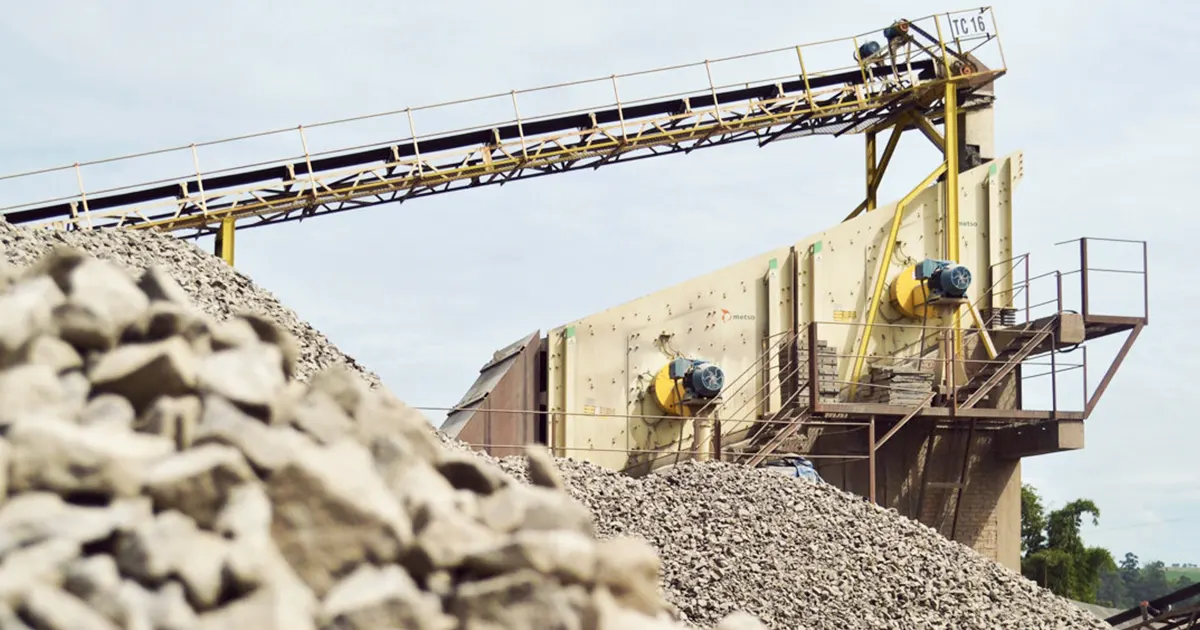
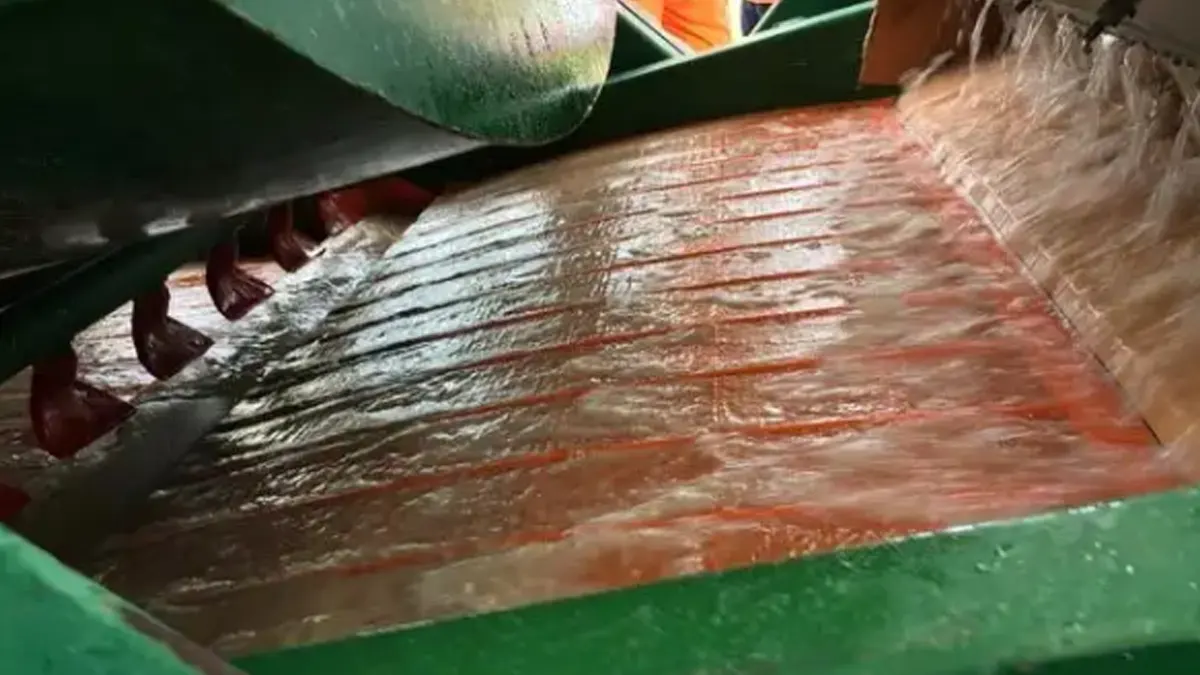
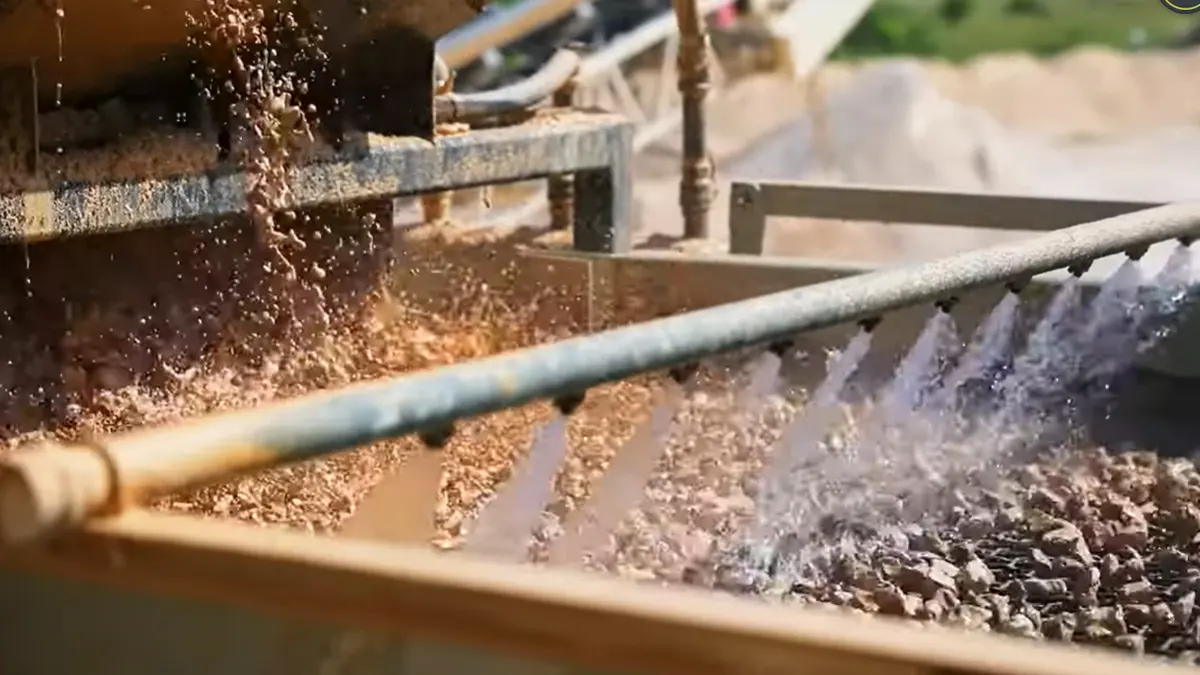
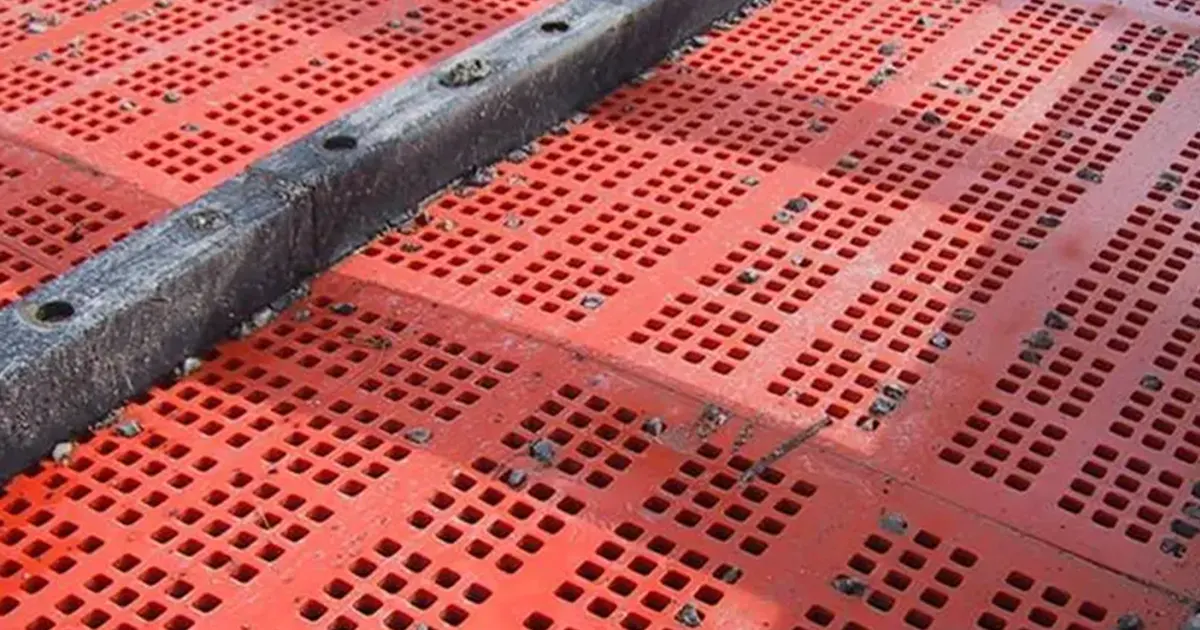
Granite is one of the most abrasive aggregates used in quarrying and crushing. Its high hardness and strong wear characteristics (often associated with higher silica content) make granite screening especially tough on screen media. Many plants discover that ordinary low-carbon steel screens can fail very quickly under combined impact + abrasion, which leads to frequent changeouts, unplanned downtime, and unstable product gradation.
Key Takeaways
- Granite wears screens fastest at the feed end (impact zone)—protecting this area is the quickest way to cut downtime.
- The most reliable improvement is to split the job by deck: use PU panels on the top deck to absorb impact, and high-carbon woven wire on the bottom deck to keep open area and throughput high.
- Screen life is also heavily influenced by feed distribution, bed depth, installation tension, and planned maintenance.
- Use a simple hotspot inspection routine and replace before catastrophic failure to avoid emergency stops.
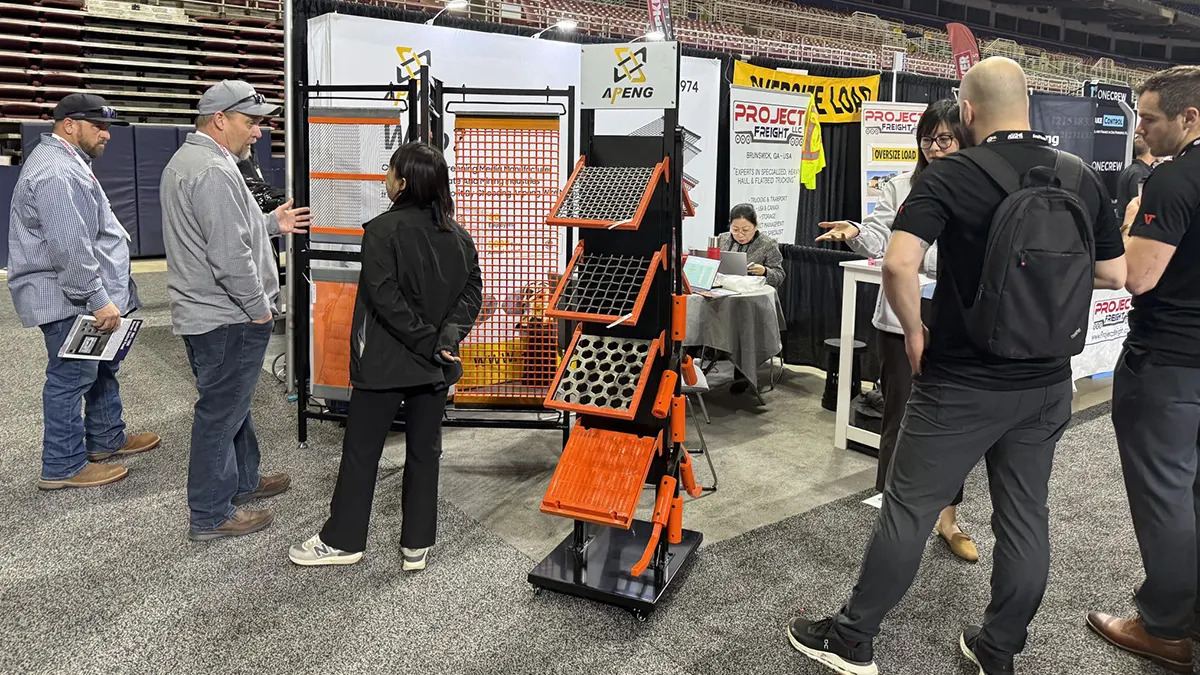
- As a screening media manufacturer, Anpeng supplies PU screen panels and high-carbon woven wire screens commonly used in granite screening setups.
Why Granite Wears Screens Out So Quickly
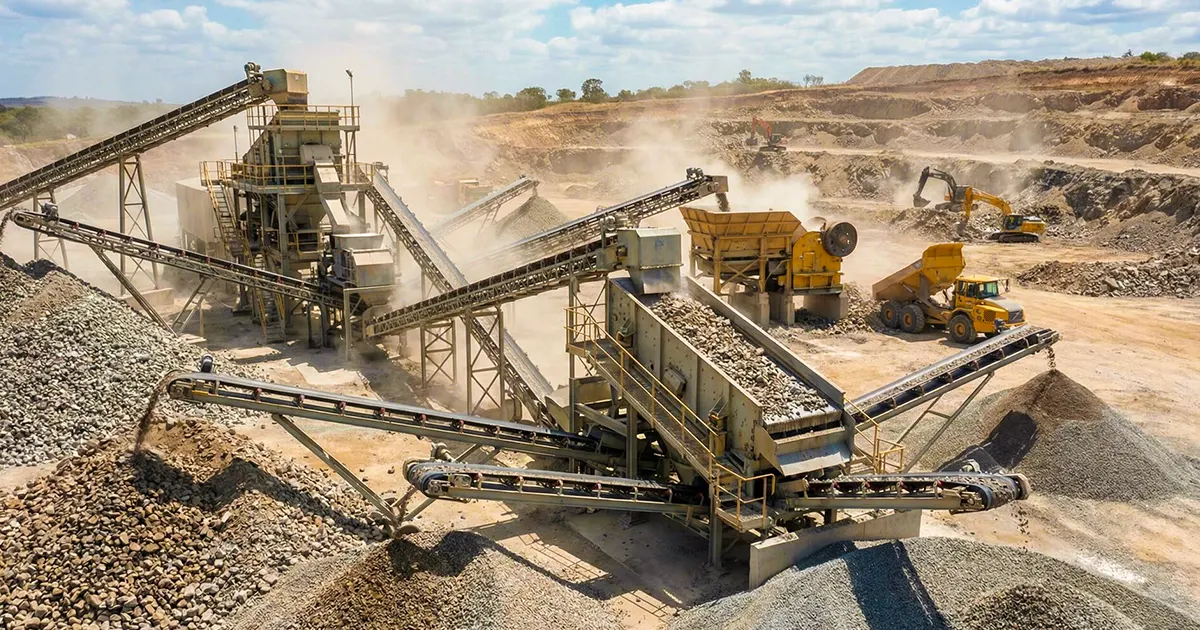
Granite screening failures rarely come from a single cause. Most plants are fighting two forces at once:
Abrasion and impact stack together
- Impact at the feed end: Larger rocks hit first, creating tears, deformation, and early structural damage.
- Abrasion across the deck: Continuous sliding and grinding thins wires/panels and accelerates fatigue.
- Vibration fatigue: Even if abrasion is controlled, poor tensioning or clamping can trigger broken wires.
Typical failure patterns in granite screening
Below are the most common “what you see” signals that granite is winning.
| Failure Symptom | Where It Usually Shows Up | What It Often Means |
|---|---|---|
| Early tearing / cracked surface | Feed end (impact zone) | Excessive impact, insufficient protection |
| Broken wires near clamps | Clamping/fastening areas | Poor tensioning, uneven clamping pressure, fatigue |
| Aperture distortion / “running coarse” | Mid-deck / discharge | Wires thinning, stretching, or localized overload |
| Localized wear strips | One side / one lane | Uneven feed distribution or poor material spread |
Find the Wear Hotspots Before They Cause Downtime
If you only look at the screen when it fails, you’ll keep reacting instead of preventing. The goal is to identify where wear starts and intervene early.
Feed end / impact zone
This is the highest-risk zone in granite screening. Large stone hits here first, and the damage often spreads downstream.
Clamping and side areas
Even strong media fails early if it is:
- not tensioned correctly,
- clamped unevenly,
- rubbing on side rails,
- or “walking” under vibration.
Mid-to-discharge zone
This zone is less about impact and more about:
- continuous abrasion,
- vibration fatigue,
- and cut stability (keeping product consistent).
A quick way to focus your inspection is to map hotspots by deck zone:
| Deck Zone | Main Stress Type | Typical Damage | Fastest Fix Lever |
|---|---|---|---|
| Feed end (impact zone) | High impact + abrasion | Tears, cracks, early blowouts | Add impact protection (PU panels), improve feed distribution |
| Side/clamping areas | Stress concentration + fatigue | Broken wires at edges, clamp failure | Correct tensioning, clamping pressure, edge protection |
| Mid-deck | Abrasion + stratification issues | Thin wires, distorted apertures | Optimize bed depth and open area selection |
| Discharge end | Abrasion + fatigue | Gradual wear, broken wires over time | Use durable woven wire spec; plan changeouts |
The “Split-the-Duty” Fix: Protect the Top Deck, Maximize the Bottom Deck
A single screen media type rarely solves granite screening because the deck is doing multiple jobs at once. A more reliable approach is to split the duty by deck:
- Top deck (feed end): take the hit and survive impact.
- Bottom deck (discharge end): maintain throughput and cut accuracy.
Top deck (feed end): absorb impact with polyurethane panels
The top deck is where the biggest damage is triggered. If the feed end fails early, the entire plant pays the price in downtime.
Why PU panels help at the feed end
- PU has elasticity that helps absorb destructive impact.
- It reduces the “sharp shock” that causes early tearing and sudden blowouts.
- It can stabilize early-stage damage so wear becomes more predictable.
Recommended configuration
- Use PU screen panels at the feed end of the top deck (impact zone coverage first).
- In granite applications, many plants treat this as an “impact-protection layer.”
Anpeng PU screen panels are commonly used in this position for granite screening where impact is the primary failure driver.
Bottom deck (discharge end): keep throughput high with high-carbon woven wire
Once the impact is controlled upstream, the bottom deck can focus on what woven wire does best:
Why high-carbon woven wire makes sense on the bottom deck
- High open area supports higher throughput.
- Woven wire supports clean separation and stable cut sizing.
- High-carbon options are often chosen in granite screening to balance wear resistance and efficiency.
Recommended configuration
- Use high-carbon woven wire screens on the bottom deck (especially toward the discharge end) to maintain open area and performance.
- Anpeng high-carbon woven wire screens are designed for screening efficiency while staying fit for abrasive granite conditions.
When this strategy works best
This deck strategy tends to deliver the biggest gains when you have:
- large top size and noticeable impact at the feed end,
- frequent emergency changeouts caused by early failures,
- or throughput loss because you’ve been forced into “overbuilt” low-open-area media everywhere.
Practical Setup Guidelines for Granite Plants
Deck placement and coverage
A simple way to start is to place media by function:
- Top deck / feed end: PU panels for impact protection
- Bottom deck / discharge end: high-carbon woven wire for throughput and cut
You can adapt coverage based on where your failures happen most often.
Screen media selection checklist (avoid wrong specs)
Before you choose apertures and materials, gather a consistent set of inputs. This prevents guesswork and shortens the trial-and-error cycle.
| Input You Need | Why It Matters | Example Notes |
|---|---|---|
| Top size and impact severity | Drives feed-end blowouts | “Large, blocky granite” vs. “already reduced” |
| Moisture and fines level | Blinding risk affects uptime | Wet fines can force overload and accelerate damage |
| Target cuts and product spec | Controls aperture selection | Tight spec needs stable apertures |
| Deck size and fixing method | Affects tension/clamping stress | Different rails/clamps change fatigue behavior |
| Current failure location | Points to root cause | Feed end vs. edges vs. discharge |
If you share these parameters, it becomes much easier to recommend a deck configuration that fits your plant rather than a generic “one media everywhere” approach.
Low-Cost Operating Changes That Reduce Wear
Even the right media can fail early if the operating conditions are working against it. These are the “low-cost wins” that often show immediate impact.
Stabilize feed rate and improve distribution
Uneven loading creates localized hotspots. Common causes include:
- inconsistent feeder output,
- poor chute design,
- or material piling on one side.
What to do
- Keep feed steady where possible.
- Improve distribution so the full deck carries the load (not one lane).
Control bed depth
If bed depth becomes too thick:
- stratification gets worse,
- separation gets inconsistent,
- and abrasion increases due to extra friction.
What to do
- Avoid persistent overloading.
- Watch for signs like reduced separation efficiency and uneven wear bands.
Manage moisture and fines to reduce blinding
Blinding (blocked openings) can force operators to “push harder,” increasing stress and wear. Granite fines + moisture are a common trigger.
What to do
- Manage moisture upstream when possible.
- Consider anti-blinding solutions where appropriate (especially if downtime is driven by blocked apertures).
Installation and Tensioning Mistakes That Shorten Screen Life
Many “wear problems” are actually fatigue problems caused by installation and mounting details.
Correct tensioning to reduce wire fatigue
Under-tensioned media can flex excessively, which accelerates wire fatigue and breaks.
Proper clamping and protection in high-stress areas
Edge damage often comes from:
- uneven clamp pressure,
- rubbing on rails,
- or misalignment.
Avoid mixing mismatched panels that create uneven loading
When old and new sections are mixed randomly:
- stiffness differences create uneven vibration response,
- hotspots move,
- and failure can occur earlier than expected.
Use standardized panels where possible and keep changeouts consistent.
Maintenance Routine to Cut Unplanned Stops
The best plants treat screen changeouts as planned events, not emergencies.
Daily quick checks (10 minutes)
Focus on early signs:
- broken wires starting near clamps,
- tearing at the feed end,
- uneven wear lanes,
- loosened fastening points.
Planned changeouts vs. emergency failures
Emergency failures usually cost more than the media itself because they:
- stop production unexpectedly,
- increase labor stress,
- and can cause downstream quality issues.
Plan replacements before catastrophic breakage.
Standardize spares to shorten changeout time
If your spares are inconsistent, your downtime grows. Standardization reduces:
- installation errors,
- waiting time,
- and “make it work” adjustments.
Troubleshooting: Symptom → Cause → Fix
Use this quick guide to diagnose common granite screening issues.
| Symptom | Likely Cause | Practical Fix |
|---|---|---|
| Fast wear/blowouts at feed end | Excessive impact | Add/expand top deck PU panels at feed end; improve feed distribution |
| Frequent broken wires at edges | Poor tensioning/clamping stress | Correct tension; check clamp alignment and pressure; add edge protection |
| Poor separation / unstable cut | Wrong aperture or bed depth too thick | Re-check cut targets; manage bed depth; improve feed consistency |
| Heavy blinding and rising downtime | Moisture + fines clogging apertures | Manage moisture; consider anti-blinding options; avoid overload conditions |
Conclusion
Granite screening demands two things at the same time: impact protection and high-efficiency separation. A proven way to reduce screen wear and downtime is to split the job by deck—use PU panels on the top deck/feed end to absorb destructive impact, and high-carbon woven wire on the bottom deck/discharge end to keep open area and throughput high.
As a screening media manufacturer, Anpeng produces PU screen panels and high-carbon woven wire screens used in granite screening. If you share your material size range, moisture level, target cuts, and deck dimensions, it becomes much easier to recommend a configuration that reduces downtime while protecting capacity.
FAQ
How long should screen media last in granite screening?
It depends on impact severity, feed consistency, moisture/fines, and installation quality. If failures are abrupt and frequent, focus first on feed-end impact protection and installation/tensioning before changing everything else.
What causes premature broken wires in abrasive granite?
Most premature wire breaks are linked to:
- under-tensioning,
- uneven clamping pressure,
- localized overload from poor feed distribution,
- and vibration fatigue around edges.
How do I reduce downtime without sacrificing throughput?
Start by protecting the top deck impact zone (PU panels) so failures become less sudden, then use high-carbon woven wire on the bottom deck to keep open area and screening efficiency high.
When should I use PU panels vs. woven wire?
A practical rule:
- PU panels where impact dominates (especially feed end/top deck).
- High-carbon woven wire where throughput and separation dominate (bottom deck/discharge end).