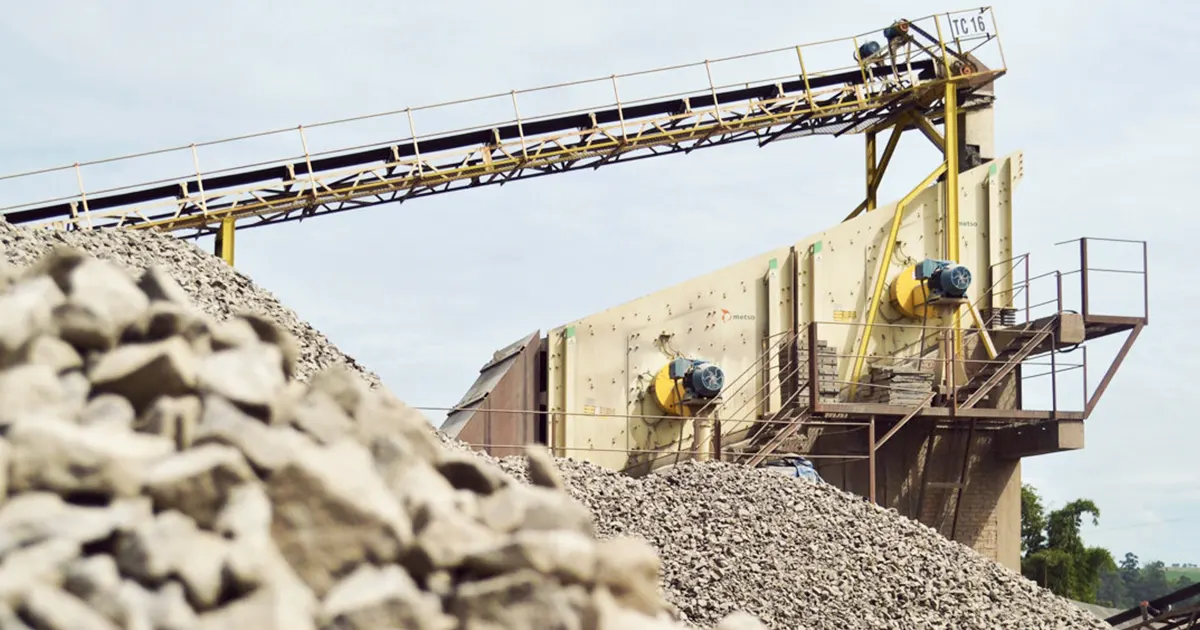
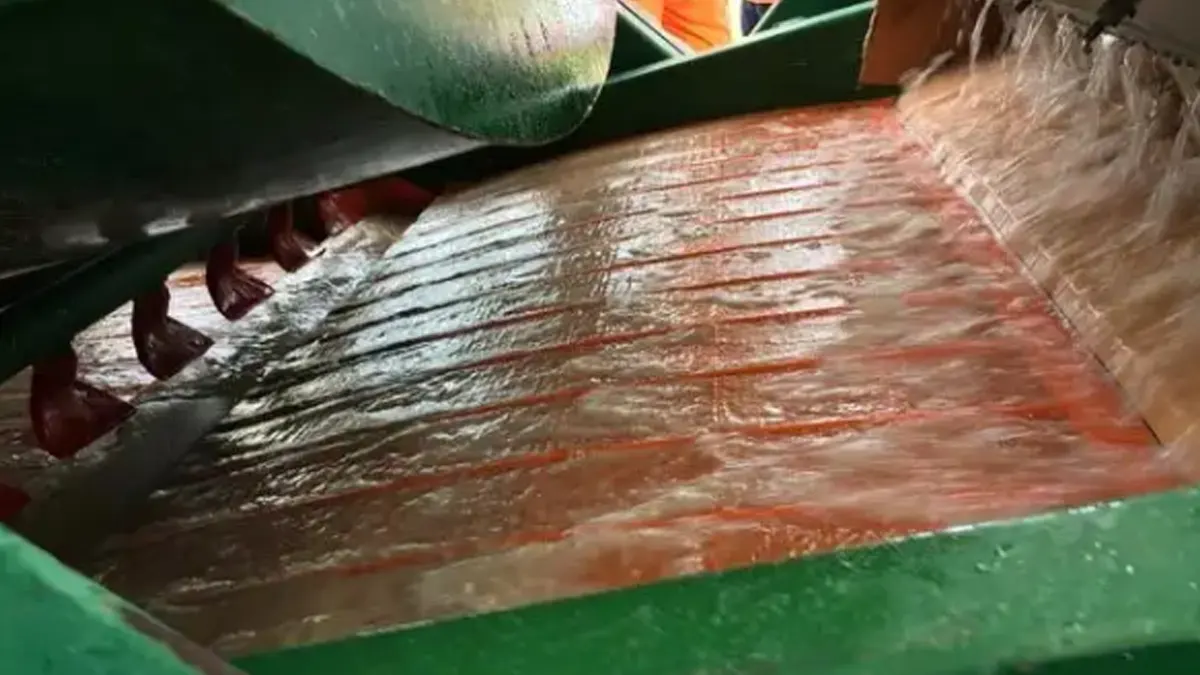
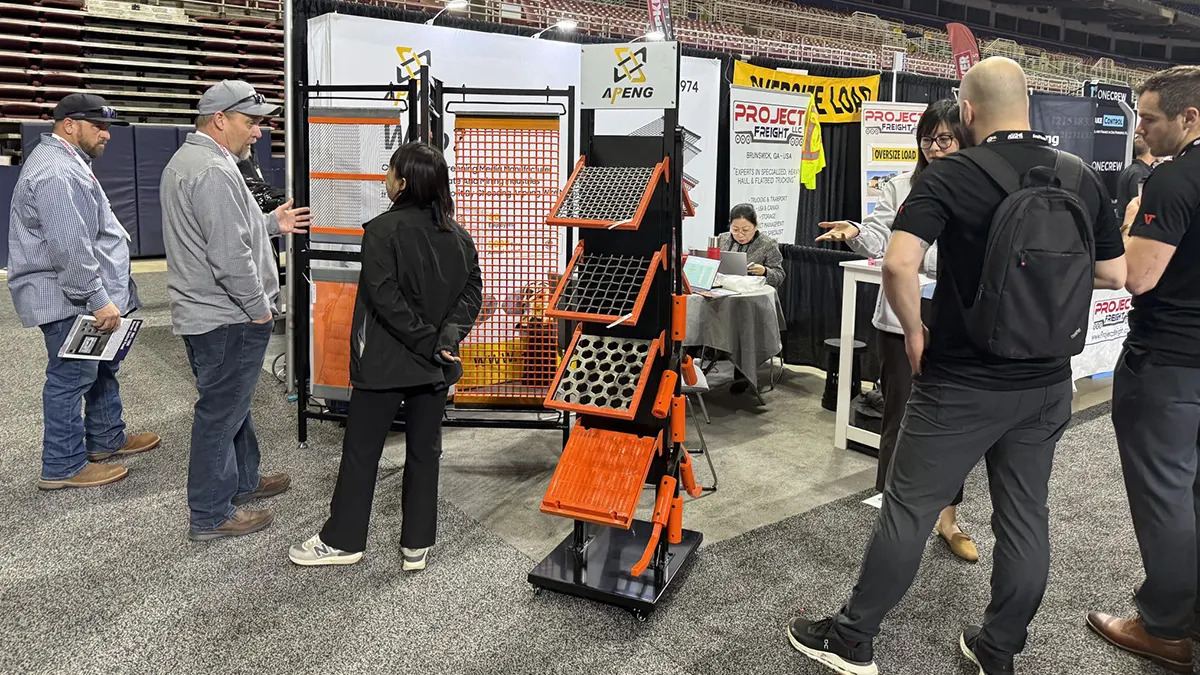
You know the frustration when your screen blinds up, pegs, or wears out fast at the feed end. Unstable throughput can ruin your nickel ore screening day. The right screen media fixes these problems quicker than any other change. Your best choice depends on moisture, clay content, particle size, and how much wear or impact the screen takes. When you match the right screen media to your ore, you boost uptime, improve accuracy, and cut costs.
Key Takeaways
Fast fixes for blinding and pegging
Blinding and pegging usually improve fastest when you match the screen media to your material. For wet, sticky ore or high near-size content, self-cleaning wire screens can flex and help keep openings clear. In some applications such as static or dewatering screens, wedge wire can also reduce plugging because its profile is designed to resist blinding. Besides media choice, you can often gain quick results by adjusting aperture size, improving deck cleaning, and fixing feed distribution so one area is not overloaded.
Tip: If you notice blinding or pegging, check the moisture and clay first. Wet and sticky ore is usually the main problem.
Media choice impacts throughput
The screen media you pick changes how much nickel ore you can process. Some types work better with certain materials. Here is a table that shows how media affects throughput:
| Screen Media Type | Suitable Material Characteristics | Impact on Throughput |
|---|---|---|
| Wire Cloth | Low moisture, non-corrosive, non-abrasive | Reduces clogging and improves efficiency |
| Rubber | Highly corrosive, needs high abrasion resistance | Enhances durability and performance |
| Polyurethane | Corrosive, sticky materials | Increases lifespan and effectiveness |
Match media to ore and zone
You should match your screen media to the ore type and the deck zone. Use wire cloth for dry and clean ore. Choose rubber or polyurethane for wet, sticky, or abrasive ore. Put stronger media at the feed end. This is where the most impact happens.
Zoned decks for tough conditions
Zoned decks let you use different media types together. You can put rubber at the feed end. Use wire cloth at the discharge end. This setup handles tough jobs and keeps your screen working longer.
Note: Zoned decks help you get both durability and accuracy. You will have fewer shutdowns and better screening.
Key terms: blinding, pegging, near-size
- Blinding: Particles block the screen holes. Material stops moving.
- Pegging: Particles get stuck in the holes. Screening gets slower.
- Near-size: Particles are almost the same size as the screen holes. These cause most blinding and pegging.
Both blinding and pegging make your screen less efficient. Wedge wire screens can help fix these problems.
Checklist before changing media
- Check the ore’s moisture and clay
- Look at particle size and how it is spread out
- Check how worn your screen is and the deck layout
- Review how much you want to process and your cut size
- Ask about when you can do maintenance
Common problems and fixes
- Cargo quality changes: Watch for different ore sizes and moisture.
- Testing worries: Make sure you check moisture and density.
- Not many survey options: Train your team to spot risky cargo.
- During loading: Look for slumping, flattening, or wet spots. Do can tests often.
Tip: Always check cargo before loading. Small checks can stop big problems.
Why Nickel Ore Screening Media Matters
Throughput and accuracy
You want your nickel ore screening to run smoothly. The right screen media makes a big difference. When you pick the right type, you get better throughput. More ore passes through the screen, and you hit your target size every time. If you use the wrong media, you might see blinding or pegging. These problems slow down your process and make your cut less accurate. You can boost vibrating screen performance just by matching the media to your ore and conditions.
Tip: Check your screen openings often. Small changes can improve accuracy and keep your operation running.
Downtime and cost
Downtime hurts your bottom line. If your screen media wears out fast or gets blocked, you spend more time fixing problems. You also spend more money on repairs and replacements. Good media lasts longer and needs less cleaning. You save on labor and parts. You also avoid emergency shutdowns. When you choose the right media, you keep your screen working and your costs down.
Here’s a quick look at how media choice affects cost:
| Media Choice | Downtime | Maintenance Cost | Media Life |
|---|---|---|---|
| Wrong Media | High | High | Short |
| Right Media | Low | Low | Long |
Lost production risks
Lost production can cost you a lot. Poor screen media selection leads to blinding, where particles clog the mesh. This cuts efficiency and slows production. You might need to stop and clean the deck, which means less ore processed. Sometimes, you even have to rerun material. This wastes time and money. You also risk damaging the screen, which adds to your costs. Choosing the right media helps you avoid these risks and keeps your operation on track.
Remember: A small change in screen media can protect your throughput, your equipment, and your profits.
Ore Conditions and Screening Challenges
Laterite: wet, sticky, high clay
Screening laterite nickel ores is tough. These ores have lots of clay. The clay is wet and sticky. It sticks to the screen and other parts. You often need to wash and scrub hard. This helps remove sticky fines. Sometimes, big rocks and pebbles are mixed in. You must screen them out to get more nickel. The particle size can change a lot. So, you need to watch your screening setup closely. Gravity or magnetic separation may not work well. This is because minerals and waste rock can weigh about the same. Blinding and pegging happen more with laterite. You need media that handles sticky ore and lots of washing.
Sulfide: hard, abrasive, large size
Sulfide nickel ores are different. These ores are hard and rough. The pieces are bigger and there is less clay. This makes them easier to handle. The particle size stays about the same. You do not need to change your screen much. Gravity and magnetic separation work better here. This is because minerals and waste rock weigh differently. You still need to watch for wear at the feed end. The ore can be rough on your screen. Rubber or strong wire media can help protect your screen.
Common issues by ore type
Different ores cause different problems. Laterite ores can blind and peg screens fast. Sticky clay makes screening harder. You may need to clean your screens more often. Sulfide ores can wear out screens quickly. This happens if you have many big, sharp rocks. You may need to grind the ore to get the nickel. This can make the pulp thick and harder to process.
Here’s a quick table to help you match the right media to each ore type:
| Condition | Common Issues | Media Direction |
|---|---|---|
| Laterite (wet, sticky, high clay) | Blinding, pegging, sticky fines, variable size | Self-cleaning wire, polyurethane panels, frequent washing |
| Sulfide (hard, abrasive, large size) | Fast wear, impact damage, oversize rocks | Rubber panels, heavy-duty wire, impact protection |
Tip: Always check your ore type before changing your screen media. Picking the right one makes screening smoother and more reliable.
Screen Media Options
Woven wire: uses and limits
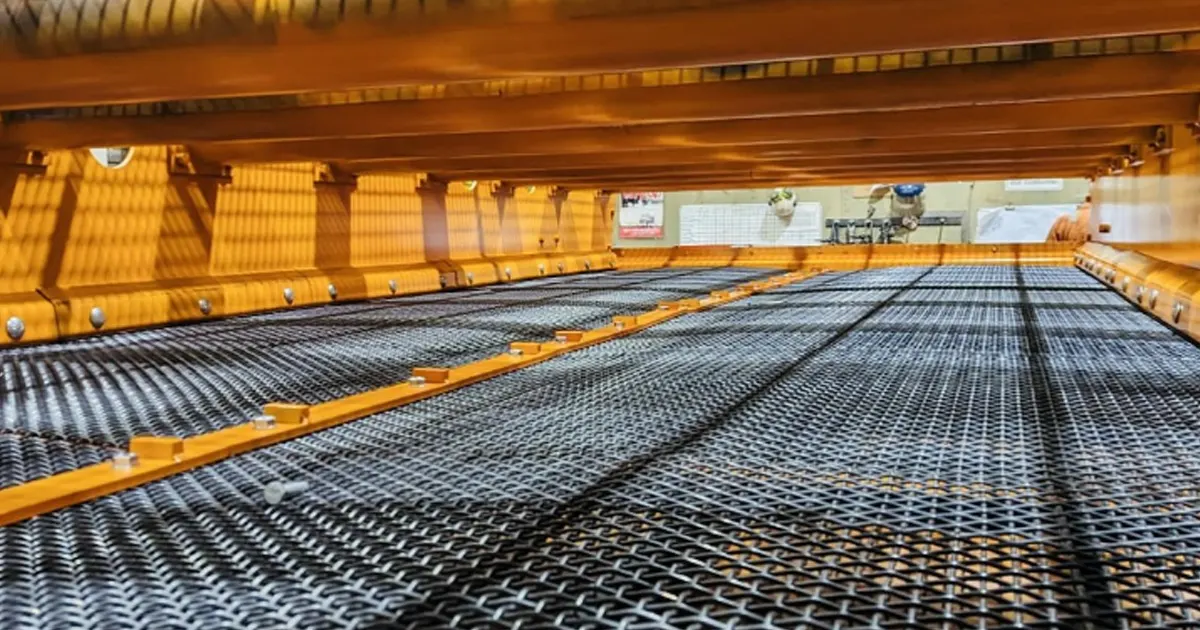
You see woven wire on many screens. It works well for dry, clean nickel ore. You get good accuracy and fast screening. Woven wire fits the sizing zone of your screen deck. It does not handle sticky or wet ore. You may notice blinding or pegging if you use woven wire with clay-rich material. You need to check the screen often for wear.
Self-cleaning wire: harp, piano, hybrid
Self-cleaning wire is a smart choice for tough jobs. Harp and piano wire types move and flex. This action shakes off sticky particles. You use self-cleaning wire in the feed zone where blinding happens. Hybrid designs mix wire and polyurethane screen media for improved durability. You get less downtime and more throughput. If you want effective screen media for wet ore, try self-cleaning wire.
Polyurethane panels: wet and sticky ore
Polyurethane panels shine when you deal with sticky, wet nickel ore. You place them in the feed zone of your screen deck. Polyurethane screen media resists blinding and lasts longer. You get improved durability and less cleaning. You can use polyurethane panels for clay-heavy laterite ore. This is an effective screen media for tough conditions.
Rubber panels: large top size, impact
Rubber panels protect your screen from big rocks and heavy impact. You use rubber screen media in the feed zone. It absorbs shock and reduces wear. Rubber panels work best for sulfide ore with large top size. You get more durability and fewer shutdowns.
Hole shapes: square vs staggered
Hole shape matters for screening. Square holes give you sharp cuts and high accuracy. Staggered holes help move fines and reduce pegging. You can mix hole shapes on your screen deck for better results. If you want effective screen media, pick the right hole shape for your ore.
Tip: Always match your screen media to the ore and the zone on your screen. You get better performance and less downtime.
| Media Type | Best For | Limits | Feed/Sizing Zone |
|---|---|---|---|
| Woven wire | Dry, clean ore | Blinding with sticky ore | Sizing zone |
| Self-cleaning wire | Wet, sticky, clay-rich ore | Not for large top size | Feed zone |
| Polyurethane panels | Sticky, wet, clay-heavy ore | Not for high impact | Feed zone |
| Rubber panels | Large top size, high impact | Less accuracy for fines | Feed zone |
Key Screening Terms Explained
You see a lot of words when you talk about nickel ore screening. Some terms can sound confusing. Let’s break down the most important ones so you can spot problems and fix them fast.
Aperture and open area
Aperture means the size of each hole in your screen media. Open area is the total space where material can pass through. If you pick the right aperture, you get the cut size you want. More open area lets more ore move through. You should check these numbers before you change your screen media.
Tip: If you want more throughput, look for screen media with bigger open area.
Near-size, blinding, pegging
Near-size particles are almost the same size as the holes. These cause blinding and pegging. Blinding happens when material covers the holes. Pegging means pieces get stuck inside the holes. You lose efficiency when you see these problems. You can fix them by using self-cleaning screen media or changing the aperture.
Here’s a quick table to help you remember:
| Term | Simple Meaning | Why It Matters | Quick Check |
|---|---|---|---|
| Aperture | Hole size | Controls cut size | Measure hole diameter |
| Open area | Total space for ore to pass | Affects throughput | Check percent open area |
| Near-size | Particles close to hole size | Causes blinding/pegging | Look for stuck particles |
| Blinding | Holes covered by material | Reduces efficiency | Check for blocked holes |
| Pegging | Particles stuck in holes | Slows screening | Inspect for stuck pieces |
Impact zone, tensioning, support
Impact zone is where big rocks hit first. You need strong screen media here. Tensioning means how tight the screen is. If it’s loose, you get more wear and less accuracy. Support is what holds the screen in place. Good support stops sagging and keeps your screen working longer.
Mini-glossary:
- Aperture: The hole size in your screen media.
- Open area: The total space for ore to pass through.
- Near-size: Particles almost as big as the holes.
- Blinding: Holes blocked by material.
- Pegging: Particles stuck inside holes.
- Impact zone: Where big rocks hit the screen first.
You can solve most screening problems if you know these terms. Always check your screen media and deck zones for signs of trouble.
Choosing Screen Media: Decision Framework
If you want good results from nickel ore screening, you need a clear plan. Let’s look at each factor step by step so you can make smart choices.
Moisture and clay
First, check how much moisture and clay your ore has. Wet and sticky ore can block the screen fast. If you see lots of clay, pick screen media that stops clogging. Self-cleaning wire screens work well for sticky ore. Polyurethane panels help too because they shed sticky fines and last longer. If your ore is dry and clean, woven wire screens give you good accuracy and fast screening.
Tip: Always check your ore’s moisture before you change your screen media. This small step can save you lots of trouble.
Abrasion and wear
Next, think about how rough your ore is. Hard and abrasive ore can wear out your screen quickly. You want screen media that stands up to tough conditions. Open cast polyurethane screens and side-tensioned polymer screens both resist abrasion and last longer in medium to fine sizing. Wedge wire mining screens also handle heavy loads and rough ore. For the toughest jobs, look for engineered screen media made from Grade 430 stainless steel. These options keep your screen working and cut down on maintenance.
Here’s a quick look at abrasion-resistant options:
| Screen Media Type | Description |
|---|---|
| Open Cast Polyurethane Screens | Highly abrasion resistant for medium to fine aperture and wet-sizing applications |
| Side-tensioned Polymer Screens | Durable, flexible, and resists abrasion, corrosion, tearing, chipping, and chunking |
| Wedge Wire Mining Screens | High load capacity and abrasion resistance with wedge-shaped wires and strong frames |
| Grade 430 Stainless Steel | High abrasion resistance and good weldability for abrasive applications |
Impact and top size
Now, check the size of the biggest rocks in your feed. Large rocks hit the screen hard and can cause damage. Rubber panels work best in the impact zone because they absorb shock and protect your deck. If you have a mix of big and small particles, use rubber at the feed end and switch to wire or polyurethane farther down the deck. This setup keeps your screen safe and running longer.
Note: Always use the strongest media where rocks hit first. This simple change can prevent costly repairs.
Cut size and near-size
You want to hit your target cut size every time. Near-size particles—those almost as big as the holes—can cause blinding and pegging. For precise sizing, electroformed mesh gives you tight tolerances, especially for fine materials. Perforated plate screens work well for larger cut sizes and are great for sieve analysis. When you need accuracy, choose engineered screen media that matches your cut size and handles near-size particles well.
Here’s a table to help you compare options for cut size accuracy:
| Screen Media Type | Opening Size Range | Tolerance | Application |
|---|---|---|---|
| Electroformed Mesh | 150µm to 5µm | ±1 to 2µm | Precise sizing of fine materials |
| Perforated Plate | 3.18mm to 100mm | N/A | Sieve analysis of ores and materials |
Throughput and bed depth
Think about how much ore you want to process and how deep the material sits on your screen. If you need high throughput, pick screen media with a large open area. This lets more ore pass through and keeps your operation moving. If your bed depth is too high, you might miss fine particles. Adjust your feed and use the right media to keep the bed even. This helps you get the most out of your screen.
Tip: Check your screen area and the length-to-width ratio. A longer screen gives you better separation and higher efficiency.
Maintenance window
Ask yourself how often you can stop for maintenance. If you have short maintenance windows, choose screen media that lasts longer and needs less cleaning. Polyurethane and rubber panels both offer long life and resist wear. Self-cleaning wire screens reduce downtime because they clear themselves. The right choice here keeps your screen running and your costs down.
Zoned decks: mixing media
You don’t have to use just one type of screen media. Zoned decks let you mix and match for the best results. Use rubber or polyurethane at the feed end to handle impact and sticky ore. Switch to woven wire or self-cleaning wire in the sizing zone for accuracy. This approach gives you durability where you need it and precision where it counts.
Here’s a handy matrix to guide your selection:
| Ore Condition | Best Media Choice(s) | Deck Zone |
|---|---|---|
| Wet, sticky, high clay | Self-cleaning wire, polyurethane panels | Feed, sizing |
| Hard, abrasive, large size | Rubber panels, wedge wire, polymer screens | Feed, impact |
| Fine, precise sizing needed | Electroformed mesh, perforated plate | Sizing |
| High throughput, clean ore | Woven wire, large open area media | Sizing, discharge |
Remember: The right engineered screen media in each zone boosts uptime, accuracy, and throughput.
If you follow this plan, you can match your screen media to your ore and your operation. You get better performance, fewer shutdowns, and lower costs. Smart selection makes nickel ore screening easier and more reliable.
Common Problems and Media Fixes
Blinding: causes and fixes
Blinding happens when fine, sticky particles cover the holes in your screen. You see this most with wet or clay-rich nickel ore. If you notice material building up, check the moisture level first. Try using self-cleaning screen media or polyurethane panels. These options help keep the holes clear and improve durability. You can also adjust the feed rate to reduce blinding.
Tip: Wash the deck more often if you see blinding. This simple step keeps your screen working longer.
Pegging: causes and fixes
Pegging means particles get stuck inside the holes. You usually see this with near-size material. If pegging slows your screening, inspect the aperture shape. Staggered holes or harp wire screen media can help. These designs shake loose stuck particles and boost durability. You can also try changing the vibration settings.
| Problem | What to Check First | Fix Options |
|---|---|---|
| Pegging | Aperture shape | Harp wire, staggered holes |
Feed-end wear: causes and fixes
Feed-end wear happens when large rocks hit the screen hard. You see damage and holes forming at the feed end. Check the top size of your ore and the impact zone. Rubber panels or heavy-duty screen media protect your deck and increase durability. Place the toughest media at the feed end for best results.
Note: Inspect the feed zone often. Early checks prevent big repairs.
Low efficiency: causes and fixes
Low efficiency means your screen misses target sizes or lets too much material pass. Check the open area and bed depth first. If the screen media has small open area, switch to a type with larger openings. Make sure the feed is even across the deck. You can also mix media types to improve accuracy.
Side leakage: causes and fixes
Side leakage happens when material escapes around the edges. Look for gaps or loose panels. Tighten the screen and check the support frame. Use sealing strips or side-tensioned screen media to stop leaks. This fix keeps your operation clean and efficient.
Callout: Small leaks can lead to big losses. Fix them early for better results.
Best Practices for Nickel Ore Screening
Even feed and bed depth
You want your nickel ore screening to run smoothly. Start with an even feed and the right bed depth. Here’s how you can do it:
- Spread the feed material across the full length of the sizer rolls. This gives you uniform wear and steady throughput.
- Feed the material right in the center between each roll. This step helps you avoid uneven wear and keeps your operation efficient.
- Stay away from choke feeding. Too much material at once can cause extra wear and slow down your screen.
- Make sure the feeder width matches the sizer length. This match-up helps you get even material distribution.
- Try screening before sizing. This reduces wear and cuts down on fines.
Tip: A steady, even feed helps you get the best performance from your screen.
Wash water control
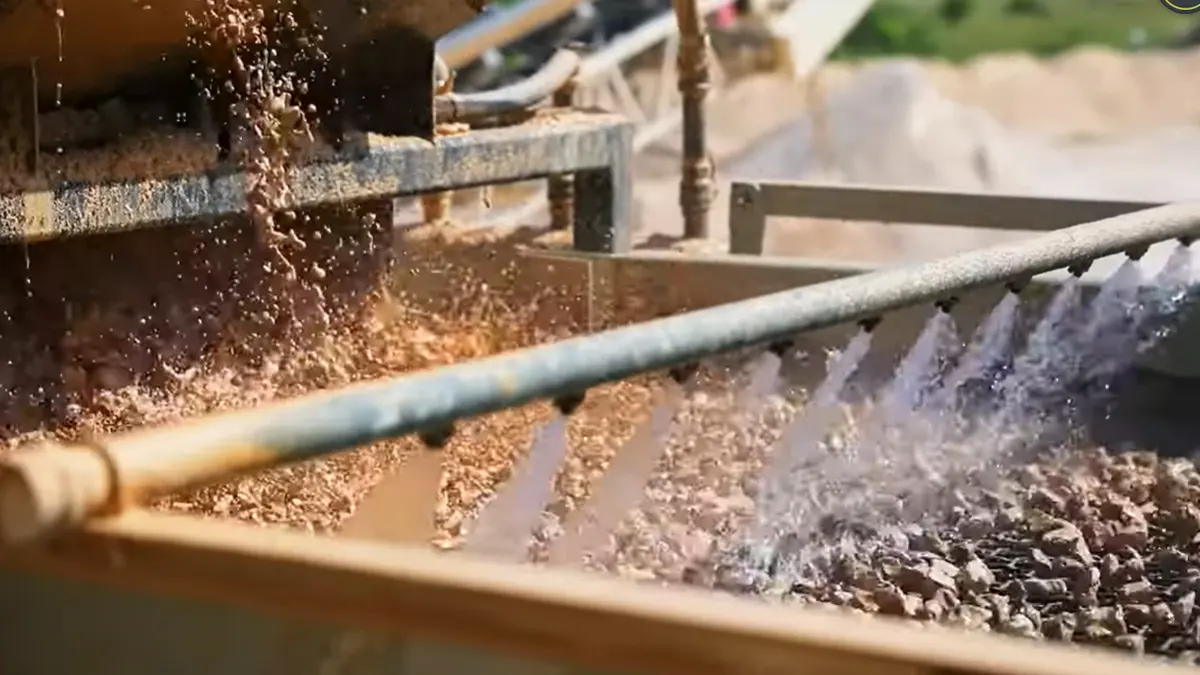
Wash water can make or break your screening results. Use just enough water to keep the deck clear, but not so much that you flood the screen. Adjust the spray bars to target sticky spots. If you see blinding, increase the water flow a little. If you notice water pooling, dial it back. Good wash water control means less downtime and better results.
Impact protection and sealing
Big rocks can hit hard. Protect your screen by using rubber panels or liners in the impact zone. These panels absorb shock and boost durability. Check the seals around your deck. Tight seals stop material from leaking out the sides. You keep your work area clean and your equipment safe. Improved durability means fewer shutdowns and more uptime.
Inspection routine
You need a good inspection routine to keep your screen in top shape. Try these steps every day:
- Look at the screen panels for tears, holes, or loose fasteners.
- Replace any damaged or worn sections right away. This stops contamination and keeps your screening efficient.
- Clean the screens often to prevent blinding and pegging.
- Use spray bars or anti-blinding systems to keep the open area clear during operation.
Regular checks help you spot problems early and keep your screening operation running strong.
Data Checklist for Media Selection
Before you change your screen media, you need the right data. This checklist helps you make smart choices and avoid costly mistakes. Grab a notepad or your phone and jot down these details.
Throughput and top size
Start with the basics. How much nickel ore do you want to process every hour? Write down your target throughput in tons per hour. Next, check the largest rock size in your feed. If you see big rocks, you need tougher screen media at the feed end. Small top size means you can use finer media for better accuracy.
Tip: If your throughput changes a lot, note the highest and lowest rates. This helps you pick media that handles all conditions.
Target cut and size distribution
What size do you want after screening? Write down your target cut size. Check the size distribution of your ore. If you see lots of near-size particles, you may need self-cleaning screen media. This step helps you avoid blinding and pegging.
Moisture, clay, slimes
Look at your ore. Is it wet or sticky? High moisture and clay can block your screen fast. Slimes make things worse. Write down the average moisture level and note if you see sticky clumps. This info guides your screen media selection and helps you get longer screen media life.
Screen type and deck layout
What kind of screen do you use? Is it a vibrating screen, trommel, or something else? Draw a quick sketch of your deck layout. Mark the feed, sizing, and discharge zones. This helps you match the right media to each part of your screen.
Current media specs and wear
Check your current screen media. Write down the type, aperture size, and how long it lasts before you need to replace it. Look for signs of wear, like holes or tears. If you see fast wear, you may need a tougher option.
Here’s a quick table to organize your data:
| Data Point | Your Notes |
|---|---|
| Throughput (tph) | |
| Top size (mm/inch) | |
| Target cut size (mm) | |
| Size distribution | |
| Moisture (%) | |
| Clay/slimes present? | |
| Screen type | |
| Deck layout | |
| Current media type/specs | |
| Screen media life (weeks) | |
| Wear issues? |
Collecting this data makes your screen media selection faster and more accurate. You’ll get better performance and fewer surprises.
Conclusion
If you share your throughput, target cut size, moisture or clay level, screen type, and how long your current media lasts, we can recommend a suitable media and opening for your operation. As a screening media manufacturer, we produce woven wire, self-cleaning wire, and PU screen panels in custom apertures and sizes, and we can tailor the design for your wear and plugging conditions. Send those details and we’ll point you to a practical option that fits your plant and maintenance plan.
FAQ
What is the fastest way to stop screen blinding?
Try self-cleaning wire or polyurethane panels. These options shed sticky material fast. You can also adjust your wash water or feed rate. Quick checks and small changes make a big difference.
How do I know if I need to change my screen media?
Look for these signs:
- More downtime for cleaning
- Holes or tears in the panels
- Lower throughput than usual
If you see these, it’s time to switch.
Can I mix different screen media on one deck?
Yes, you can. Zoned decks let you use rubber at the feed end and wire or polyurethane farther down. This setup gives you both durability and accuracy.
What data should I collect before picking new media?
Write down your throughput, top size, target cut size, ore moisture, and current media life. This info helps you choose the best screen media for your operation.